User Guide
Under Construction
This documentation is actively being developed.
Not for New Users
The User Guide is not intended to be an introduction to TitleCardMaker for new users - it is a detailed reference for those already familiar with the basics. New users should follow the Getting Started tutorial.
Pages
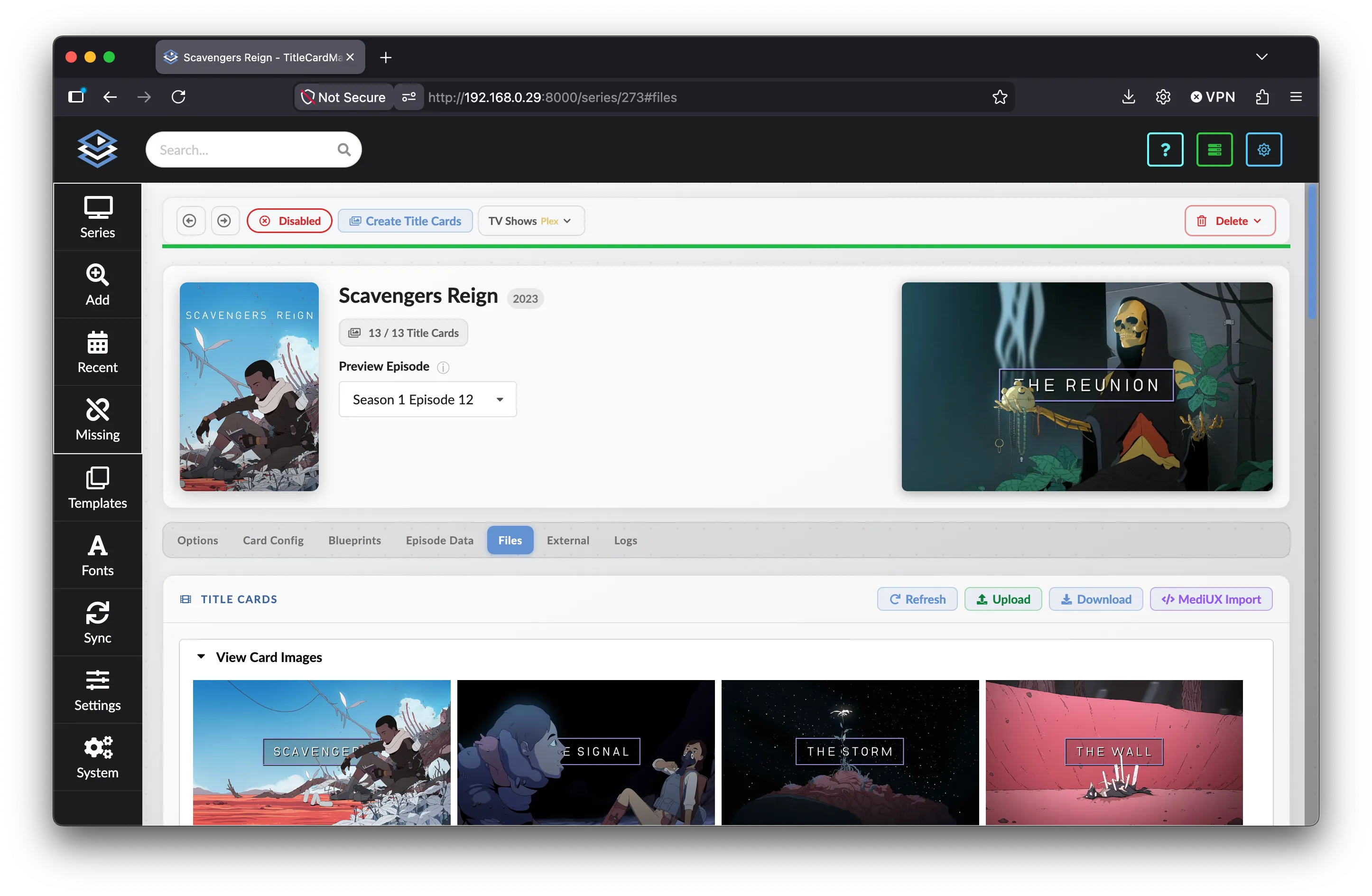
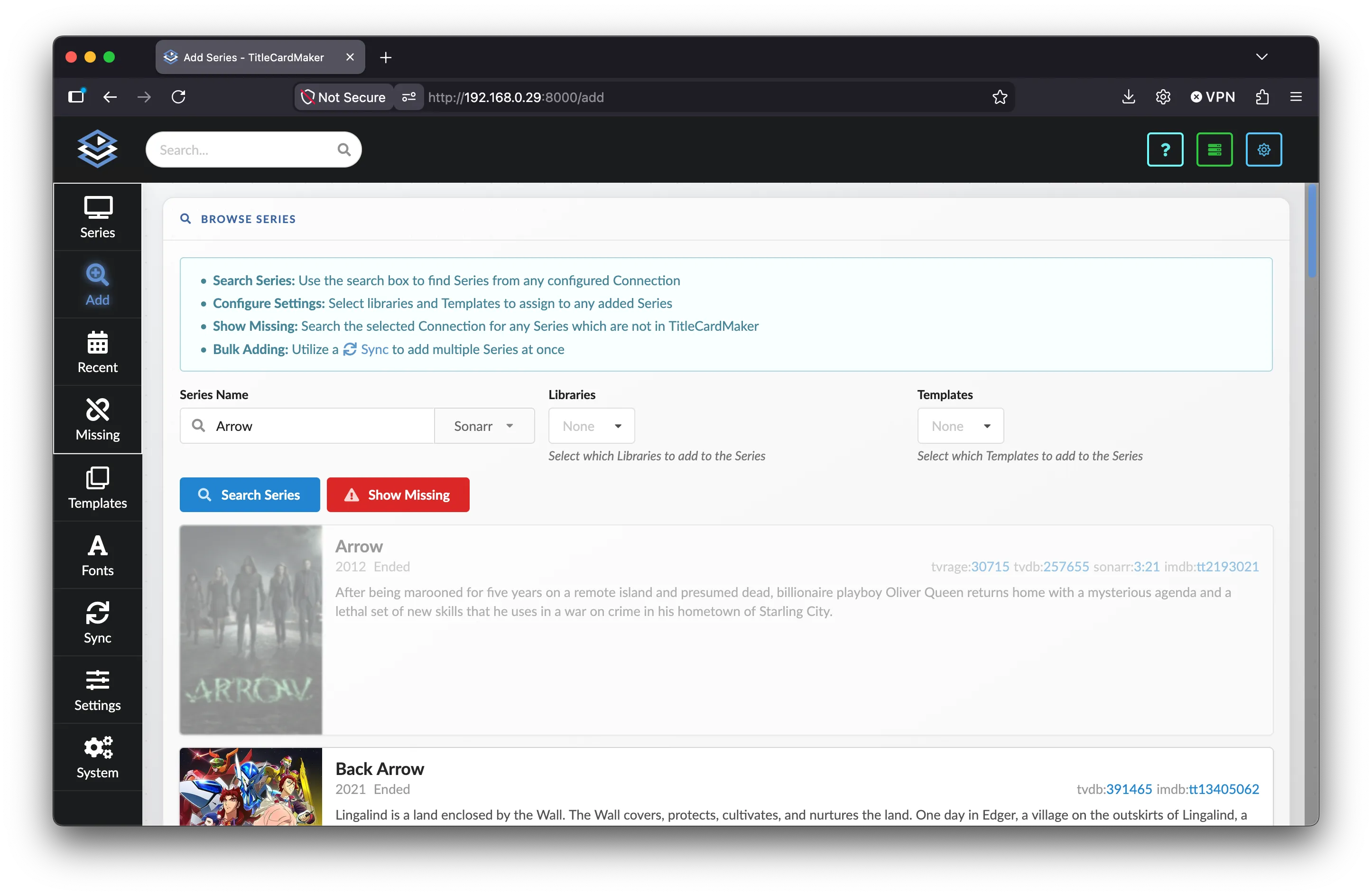
The TitleCardMaker interface is separated into various pages which can be navigated to via the sidebar or buttons on the header. Each page is detailed below:
- Series
- Adding Series
- Recently Added
- Missing Summary
- Templates
- Fonts
- Sync
- Settings
- Connections
- Scheduler
- Importer
- System Summary
- Logs
- Graphs
- Changelog
Selecting a Branch / Tag
TitleCardMaker follows the typical design pattern of lots of software packages, separating changes which are "in development" and "finalized". As a result, you have the option of selecting between either of these branches (or tags) for your version of TCM.
Develop Branches / Tags
If using the develop version of TCM, expect to encounter bugs which may
require frequently updating. If this sounds cumbersome, stick to the main
branch.
Backwards Compatibility
If there are changes to the TCM database schema, these are often
irreversible - meaning swapping from develop to main is not
possible.
Docker
| Tag Name | Description | Recommended For.. |
|---|---|---|
latest |
The most up-to-date (stable) release | Most users1 |
main |
Same as latest |
It's recommended to use latest |
develop |
The most feature-rich (unstable) release | Those wanting to try the latest features |
main-armv7 |
Same as latest, but for those on an ARMv7 architecture |
See latest |
develop-armv7 |
Same as develop, but for those on an ARMv7 architecture |
See develop |
Non-Docker
| Branch Name | Description | Recommended For.. |
|---|---|---|
main |
The most up-to-date (stable) release | Most users1 |
develop |
The most feature-rich (unstable) release | Those wanting to try the latest features |
Environment Variables
Specifying an Environment Variable
Add all environment variables under the environment section of your
compose file, like so:
Specify the environment variable with the -e commands in your Docker
run command, like so:
All configuration that can be set via environment variables uses the TCM_ prefix.
Variables are read from the process environment and, when present, from a .env file
in the application root. The following reference documents every available variable.
Application & runtime
TCM_IS_DOCKER-
Set to
TRUEwhen TCM is running inside Docker (e.g. for paths and behavior). Usually set by the image; you typically do not need to set this yourself. TCM_TESTING-
Set to
TRUEto enable testing mode. Default isFALSE.
Authentication
TCM_DISABLE_AUTH-
When set to
TRUE, authentication is disabled and existing users are removed. Only read at startup. For details, see Connections — Forgotten login. Default isFALSE. TCM_AUTH_EXPIRATION_DAYS-
Number of days authentication tokens remain valid. Integer between 1 and 120. Default is
7. TCM_CRYPTO_ALGORITHM-
Algorithm used for token signing. Default is
HS256.
Backups
TCM_BACKUP_RETENTION_DAYS-
Number of days to keep backups before they are deleted. Integer ≥ 1. Default is
21. TCM_BACKUP_DT_FORMAT-
Strftime-style format for backup folder names. Default is
%Y-%m-%d_%H-%M-%S.
Logging
TCM_CONSOLE_LOG_LEVEL-
Minimum log level for console (stdout) output. One of:
TRACE,DEBUG,INFO,WARNING,ERROR,CRITICAL. Default isINFO. TCM_DATABASE_LOG_LEVEL-
Minimum log level for messages stored in the logging database. Same level options as above. Default is
TRACE; changing this can make debugging harder. TCM_WEBSOCKET_LOG_LEVEL-
Minimum log level for live log messages in the UI (see Settings — Display live log messages). Same level options as above. Default is
INFO. TCM_CONSOLE_LOG_WIDTH-
Width of console log output in characters. Integer ≥ 40, or leave unset for automatic width.
TCM_INTERCEPT_PLEX_LOGS-
Set to
TRUEto send Plex API log messages through TCM’s logging. Default isFALSE. For more Plex options, see Plex variables. TCM_PACKAGE_LOGGING-
Comma-separated list of package names whose loggers should be intercepted by TCM’s logging. Empty by default.
TCM_LOG_RETENTION_DAYS-
Number of days to keep log files before deletion. Integer ≥ 1. Default is
7.
Data retention
TCM_UNSYNCED_SERIES_RETENTION_DAYS-
Number of days to keep series that have not been synced. Integer ≥ 1. Default is
10.
Integrations & card types
TCM_SONARR_REQUEST_TIMEOUT-
Sonarr request timeout in seconds. Integer between 10 and 10000. Default is
500. TCM_CARD_TYPE_REPOSITORY-
Base URL of the card type repository (e.g. GitHub raw URL). Default points to the official TitleCardMaker/CardTypes repository branch for your version.
TCM_IMAGEMAGICK_CONTAINER-
Name or ID of a Docker container used to run ImageMagick commands. Use when TCM runs on the host but ImageMagick runs in a container. Unset by default.
ImageMagick (optional)
TCM_IM_PATH-
Path to the ImageMagick executable (e.g.
convertormagick) when not using the default onPATHor a Docker container. Can also be set via Settings. Unset by default.
Timezone
TZ-
Timezone used for local time (e.g. in logs and UI). Standard timezone name (e.g.
America/Los_Angeles). A list is available here. If unset, the system local timezone is used, orUTCas fallback.
Plex Variables
TCM uses the plexapi module to communicate with Plex, and as such can be configured by configuring their assigned environment variables - these are all detailed here.
The most popular one is the API timeout - PLEXAPI_PLEXAPI_TIMEOUT.