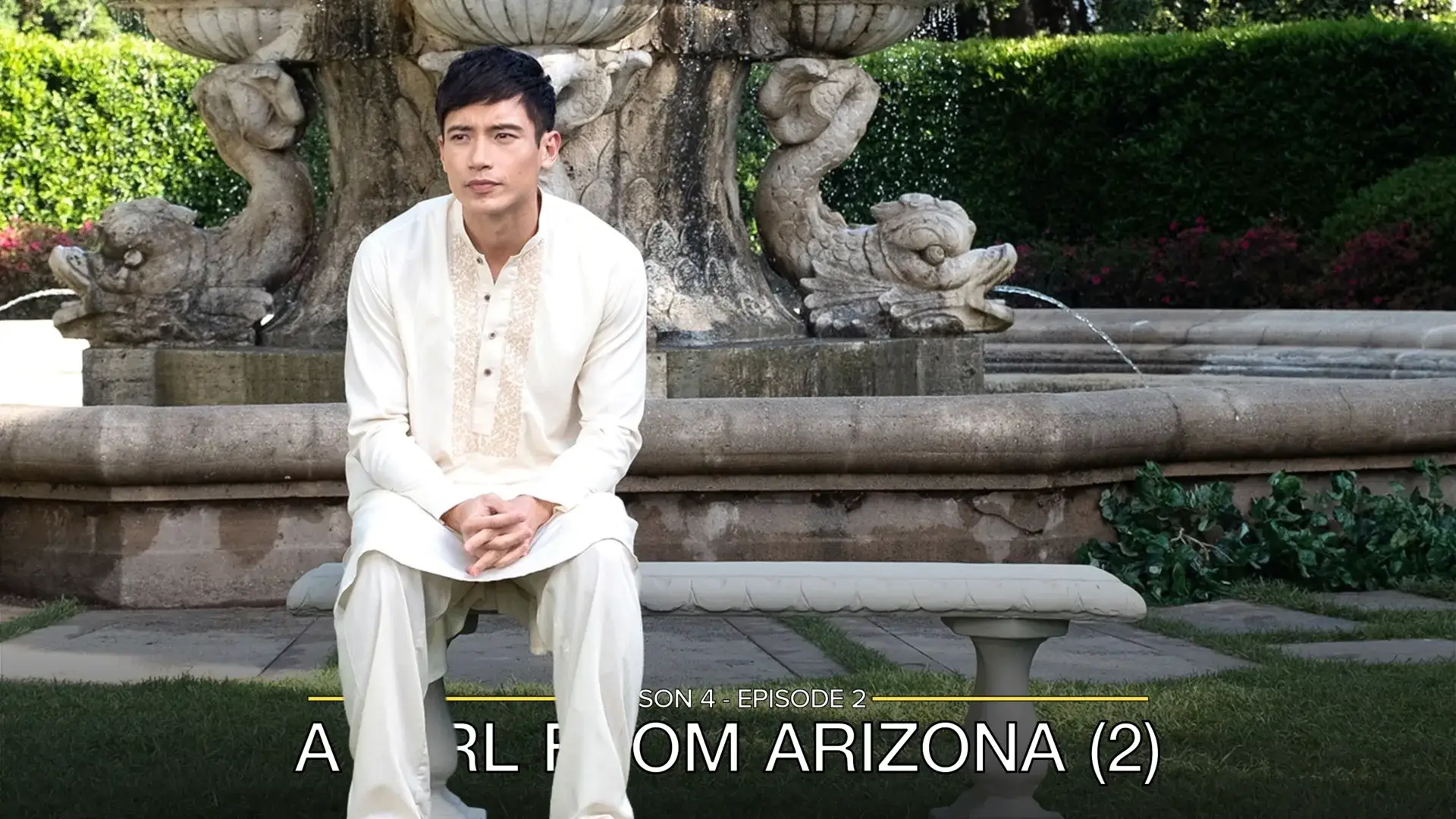
Overline Card Type
This card design was created by CollinHeist.
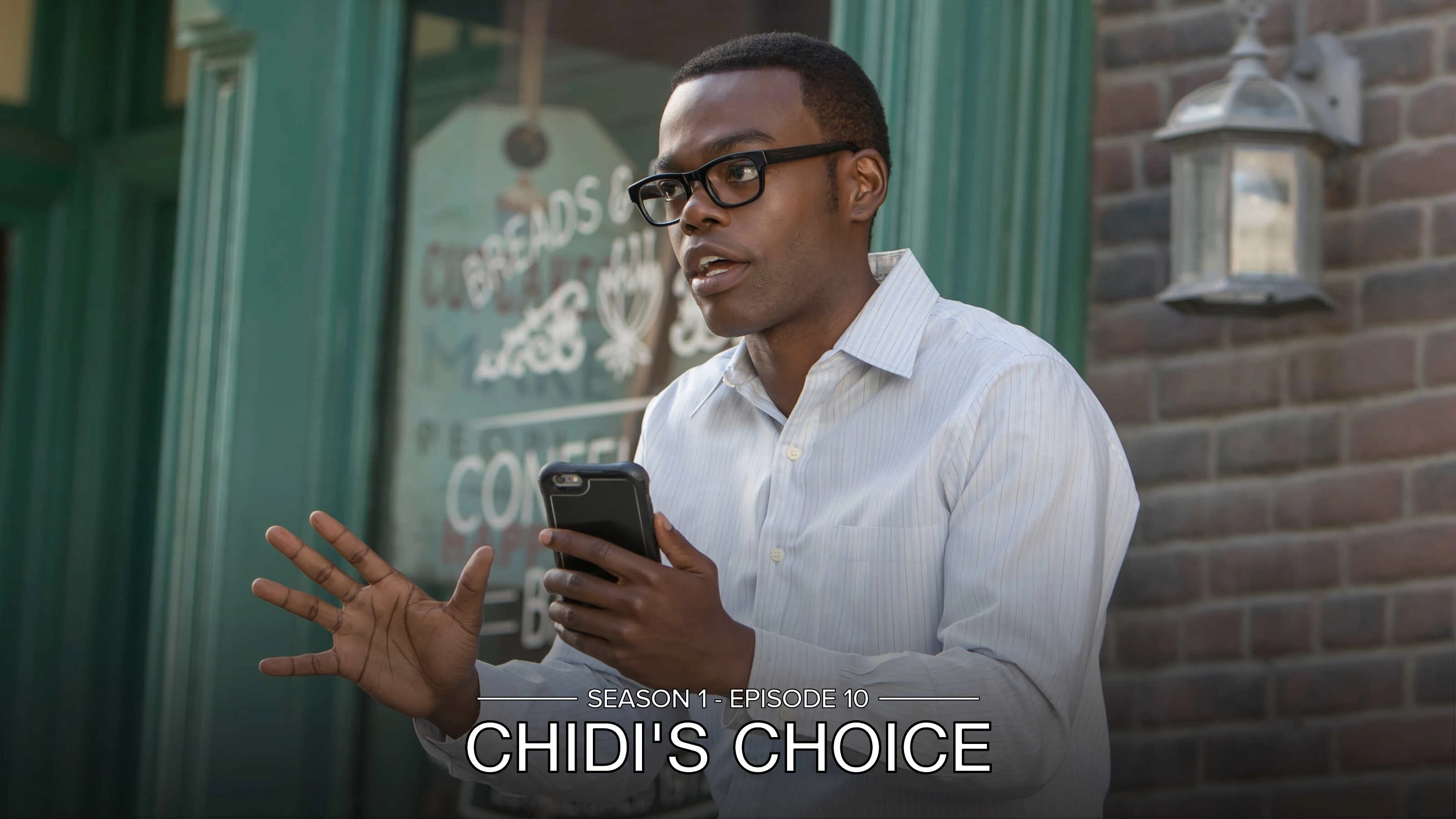
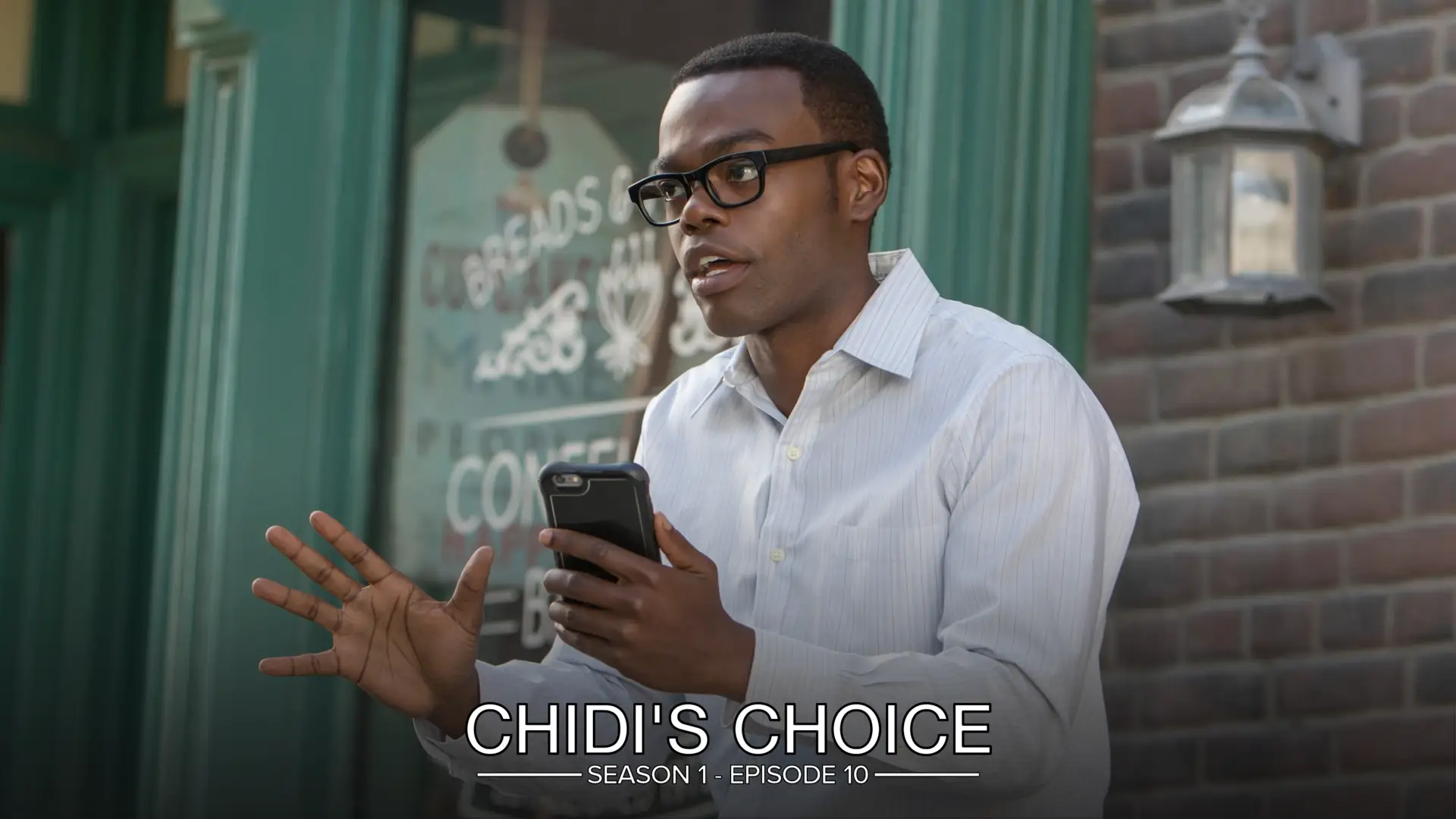
This is a simple title card with the title and index text positioned at the bottom of the image. A thin horizontal line is drawn above (or below) the title text and is interrupted in the center by the index text, creating a split overline effect.

Labeled Card Elements

Episode Text
Unless explicitly stated otherwise, "episode text" here refers to the combined
season and episode index text displayed in the gap of the line (e.g.
SEASON 1 - EPISODE 1).
Wide Episode Text
If the episode text being added to the Card is wider than the width of the title text (minus some margin), then TCM will not draw the "overline" line at all.
Color
The color of the index text can be adjusted with the Episode Text Color extra. If unspecified, it defaults to matching the font color.
Examples

Size
The size of the index text can be adjusted with the Episode Text Font Size
extra. Values above 1.0 increase the size of the text, and values below
1.0 decrease it.
Examples
Line
The horizontal line can be repositioned, recolored, resized, or hidden entirely.
Color
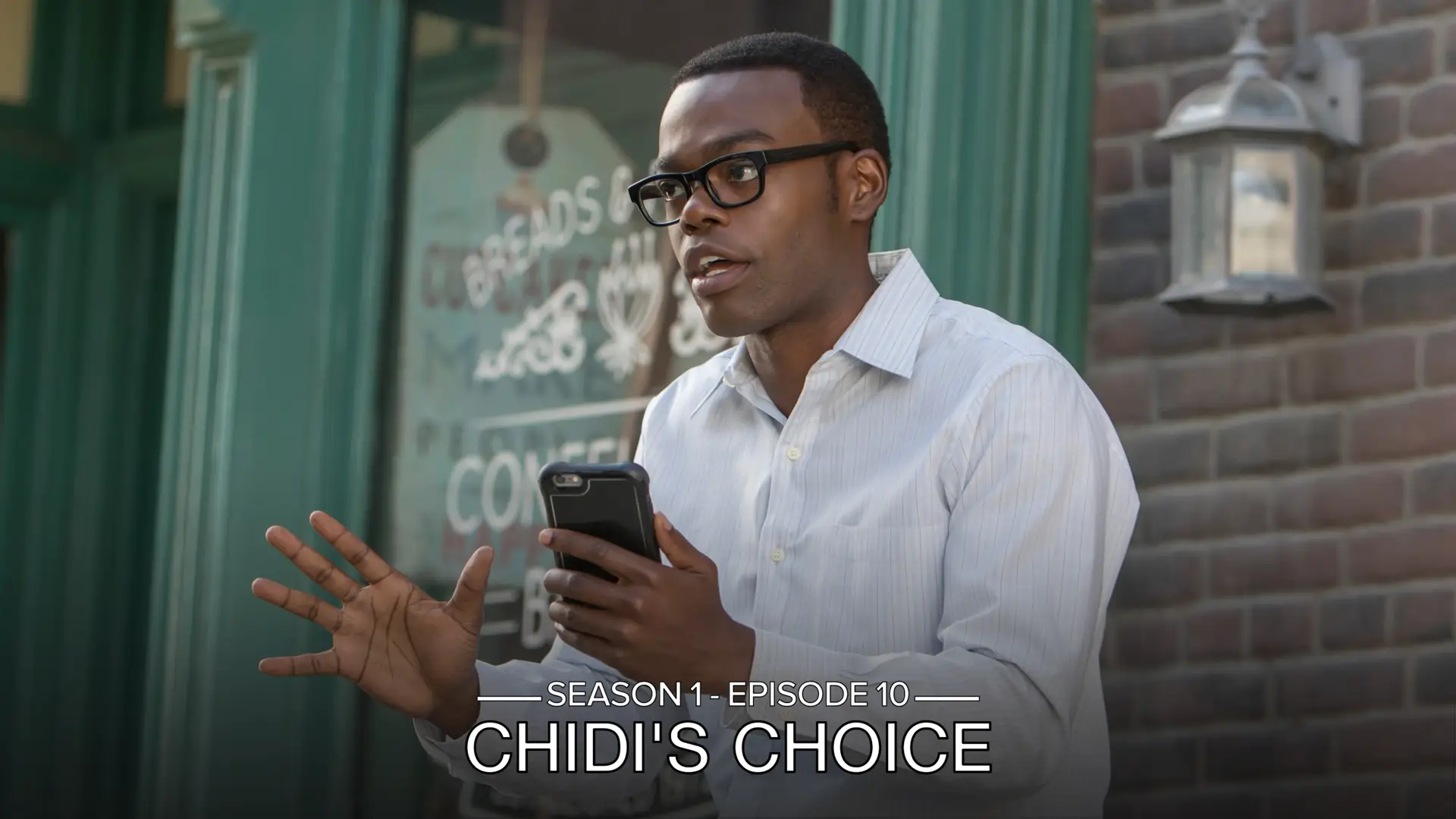
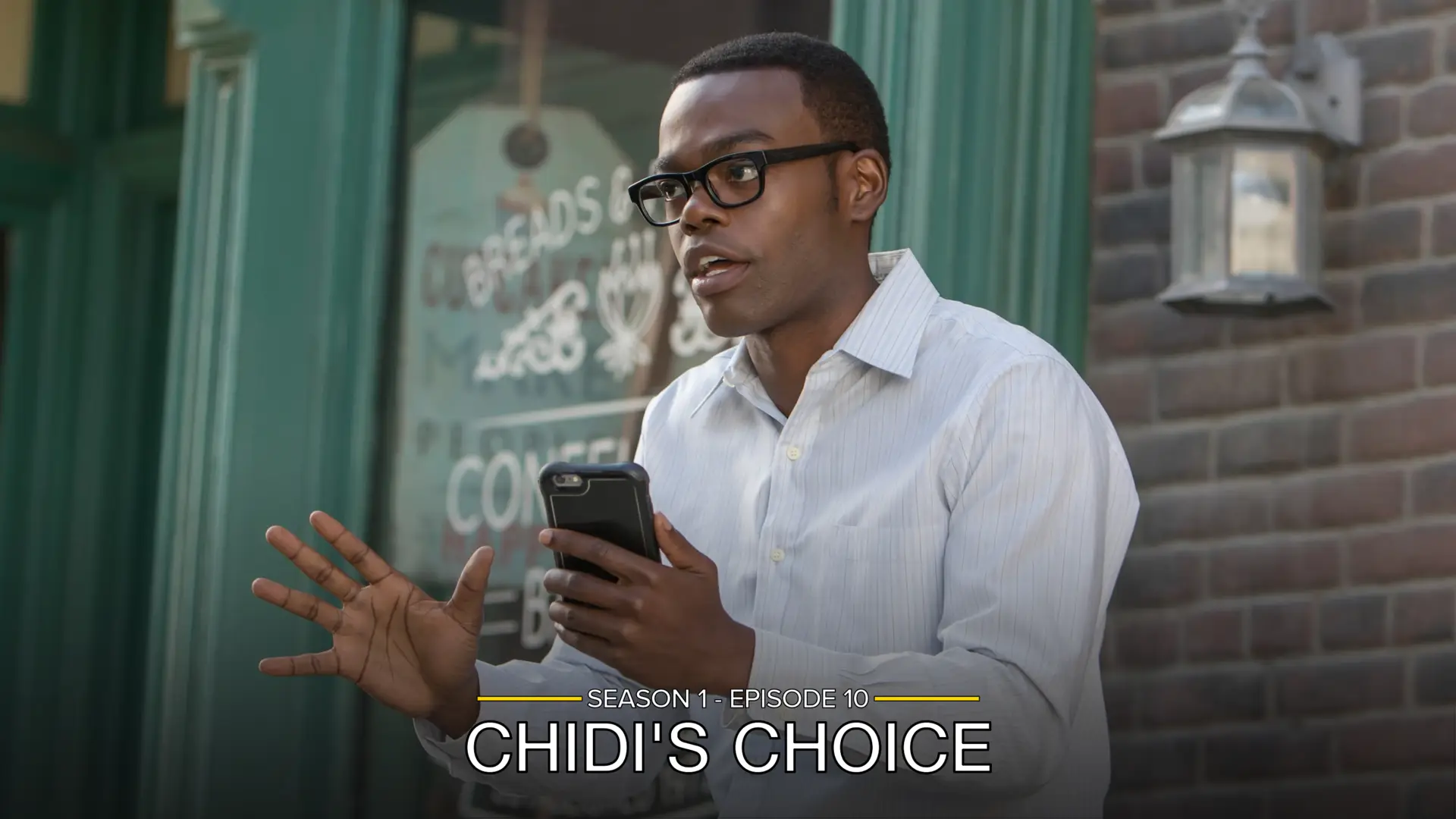
The color of the line can be adjusted with the Line Color extra. If unspecified, it defaults to matching the episode text or font color.
Examples
Position
The position of the line and index text relative to the title text can be
adjusted with the Line Position extra. This can be set to top (default) or
bottom.
When set to top, the line sits above the title text and the index text appears
above the title. When set to bottom, the line sits below the title text and
the index text appears below the title.
Multi-Line Titles
If a title is split across multiple lines and the Line Position is set to
top, then the line and text will be positioned between the bottom two
lines of text - see the example below.

Examples
Width
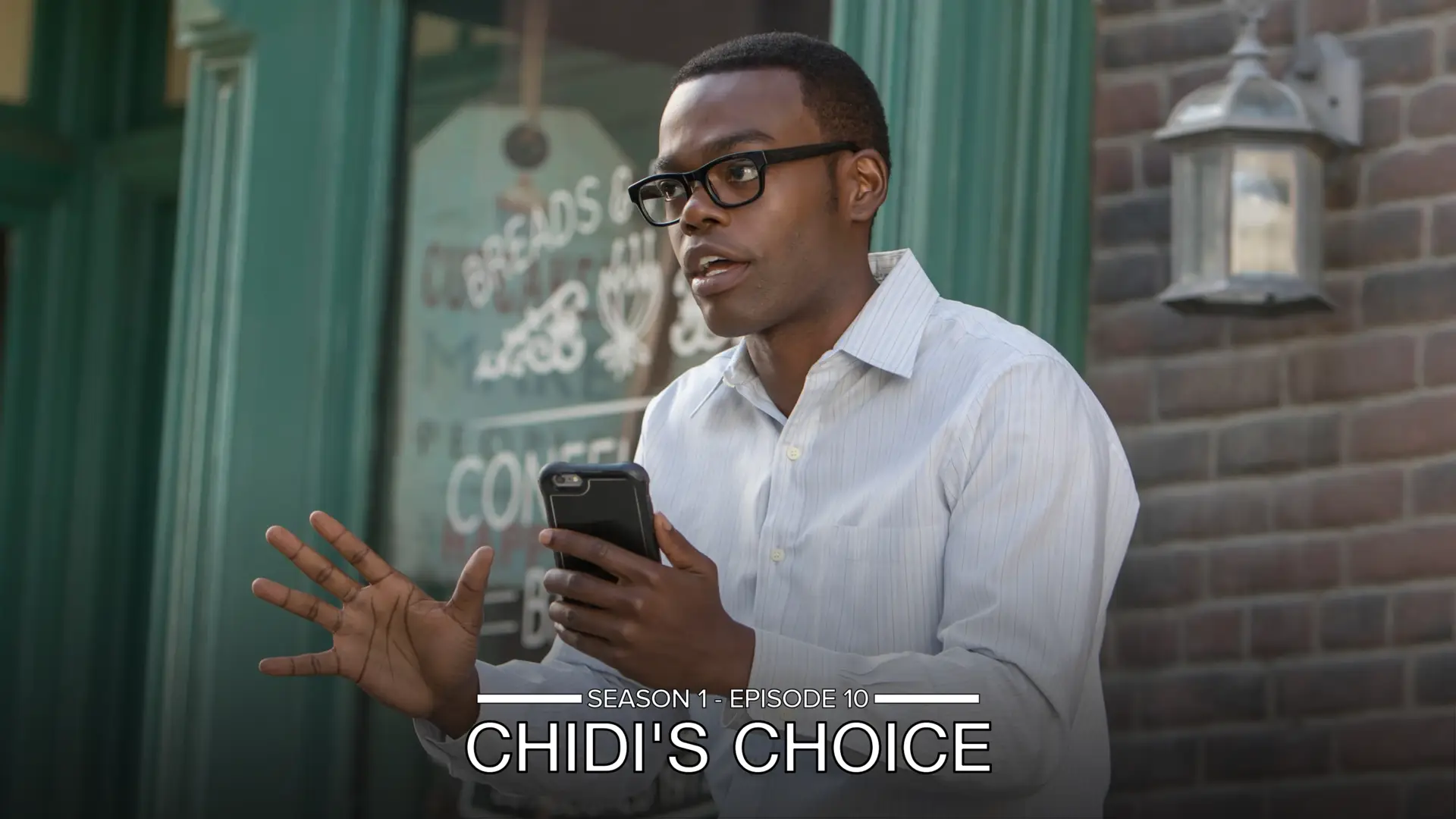
The thickness of the line can be adjusted with the Line Width extra. The
default is 9 pixels.
Examples
Visibility
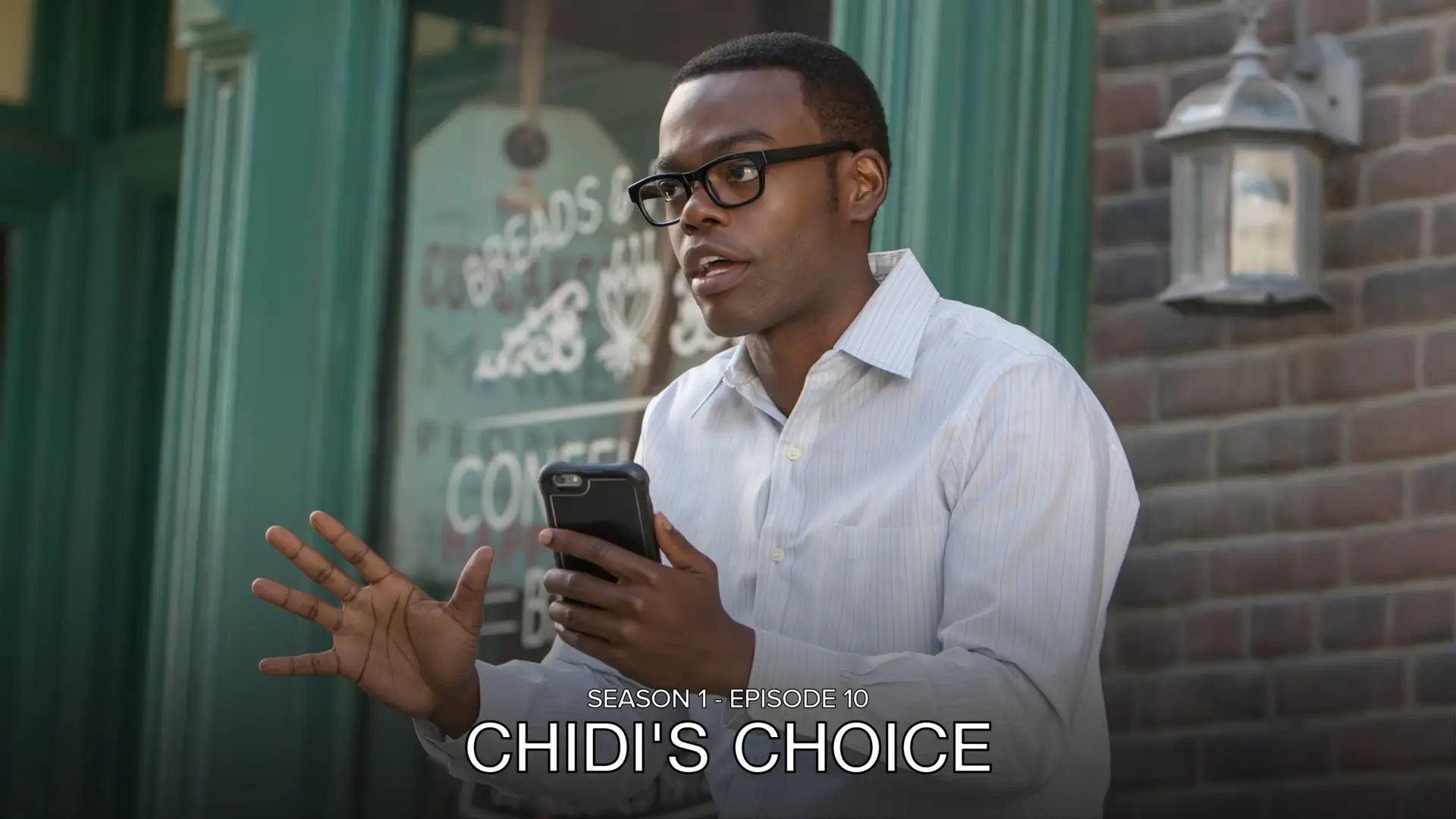
The line can be hidden entirely by setting the Line Toggle extra to True.
Examples
Separator Character
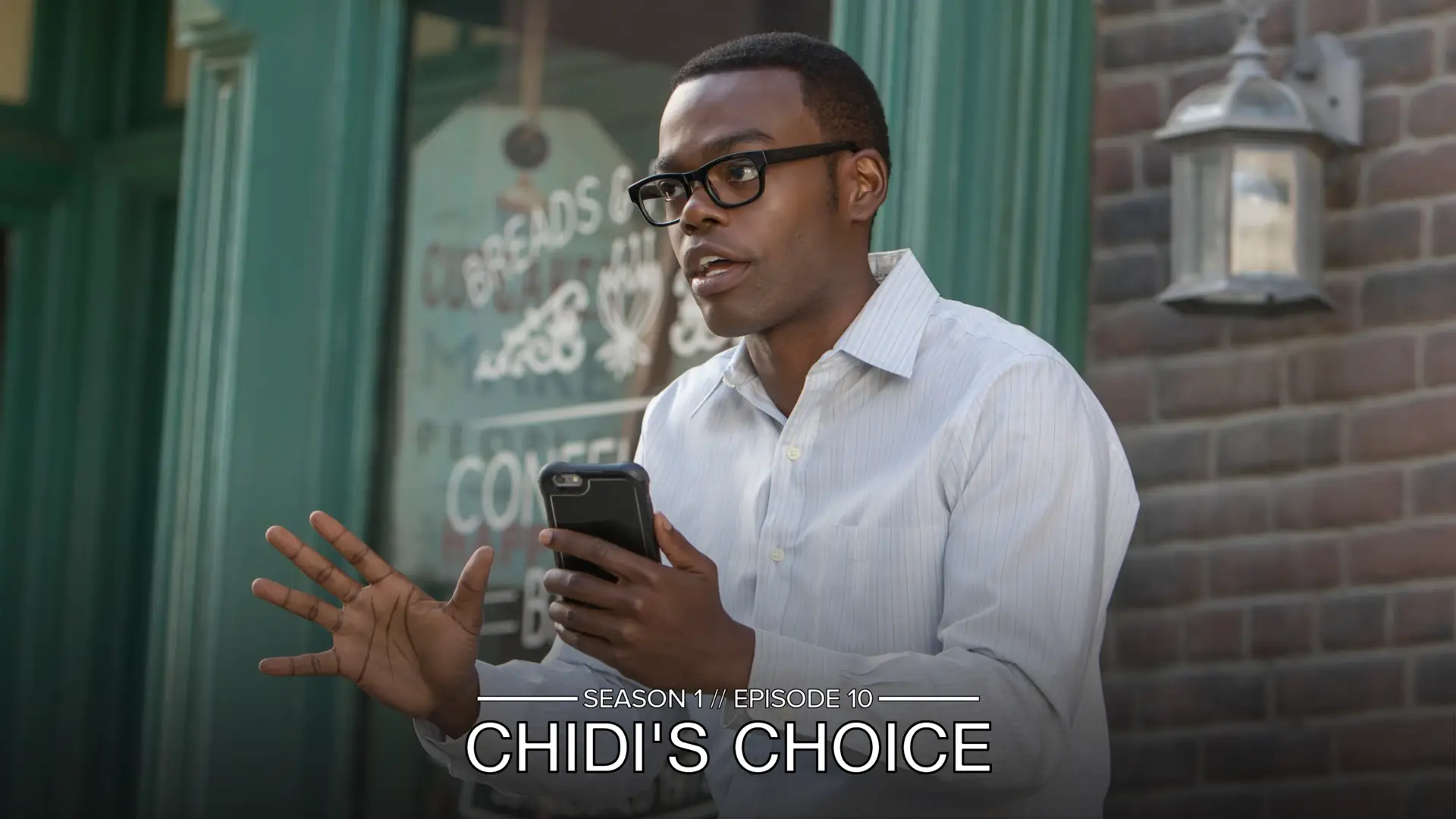
When both season and episode text are shown, a separator is placed between them. The Separator Character extra controls this character. The default is a dash.
Examples
Gradient Overlay
A gradient is applied over the source image by default to improve legibility. It
can be removed by setting the Gradient Omission extra to True.
Text legibility
With the gradient omitted, text may be harder to read on bright images.
Examples

Mask Images
This card also natively supports mask images. Like all mask images, TCM will automatically search for alongside the input Source Image in the Series' source directory, and apply this atop all other Card effects.
Example