Skip to content

User Guide

Not for New Users

The User Guide is not intended to be an introduction to TitleCardMaker for new users - it is a detailed reference for those already familiar with the basics. New users should follow the Getting Started tutorial.

Pages

The TitleCardMaker interface is separated into various pages which can be navigated to via the sidebar or buttons on the header. Each page is detailed below, grouped by how you are likely to use them.

Library & Series

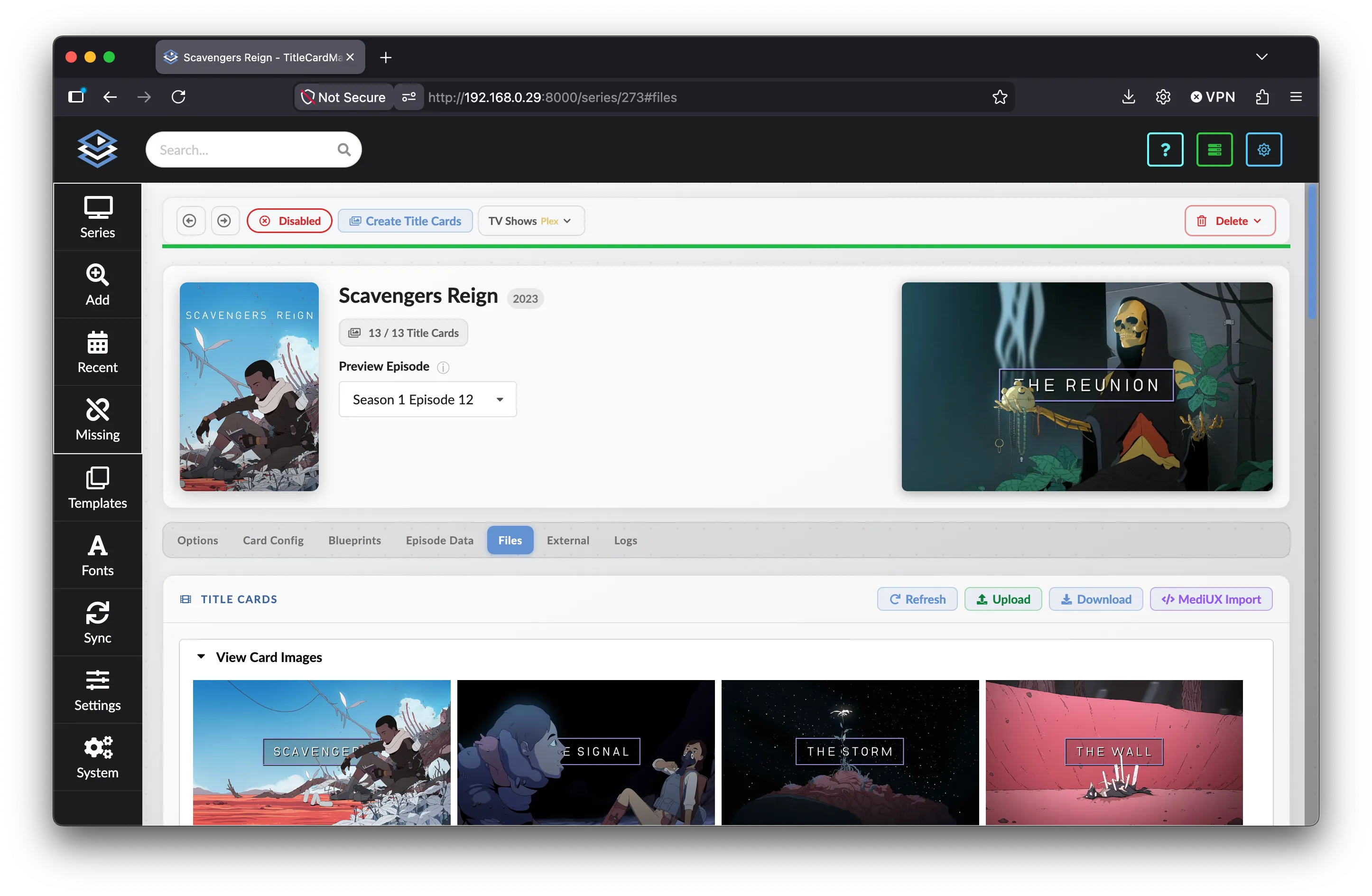
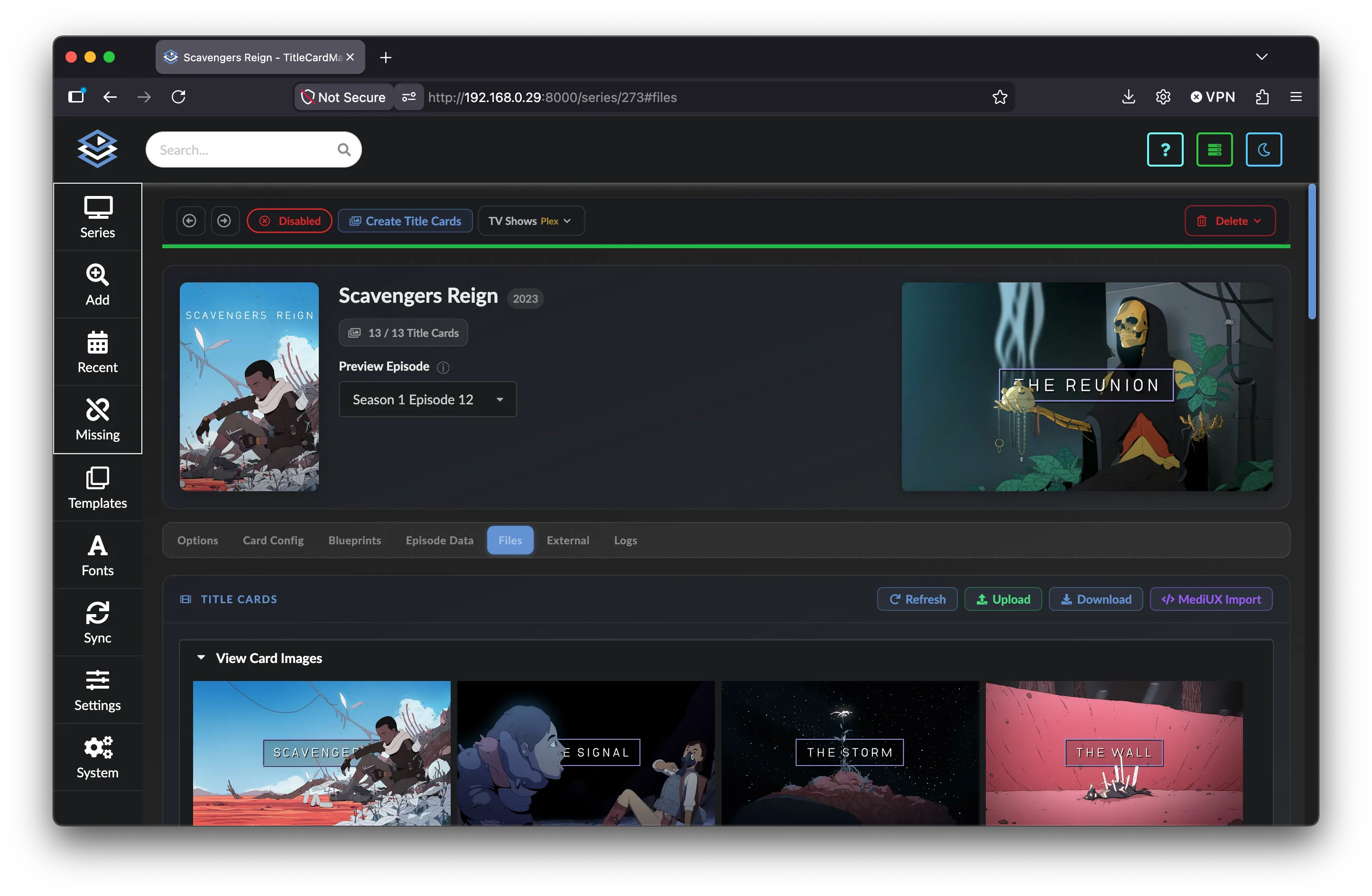
  • Series Series

    Series


    All Series-specific customizations and actions.

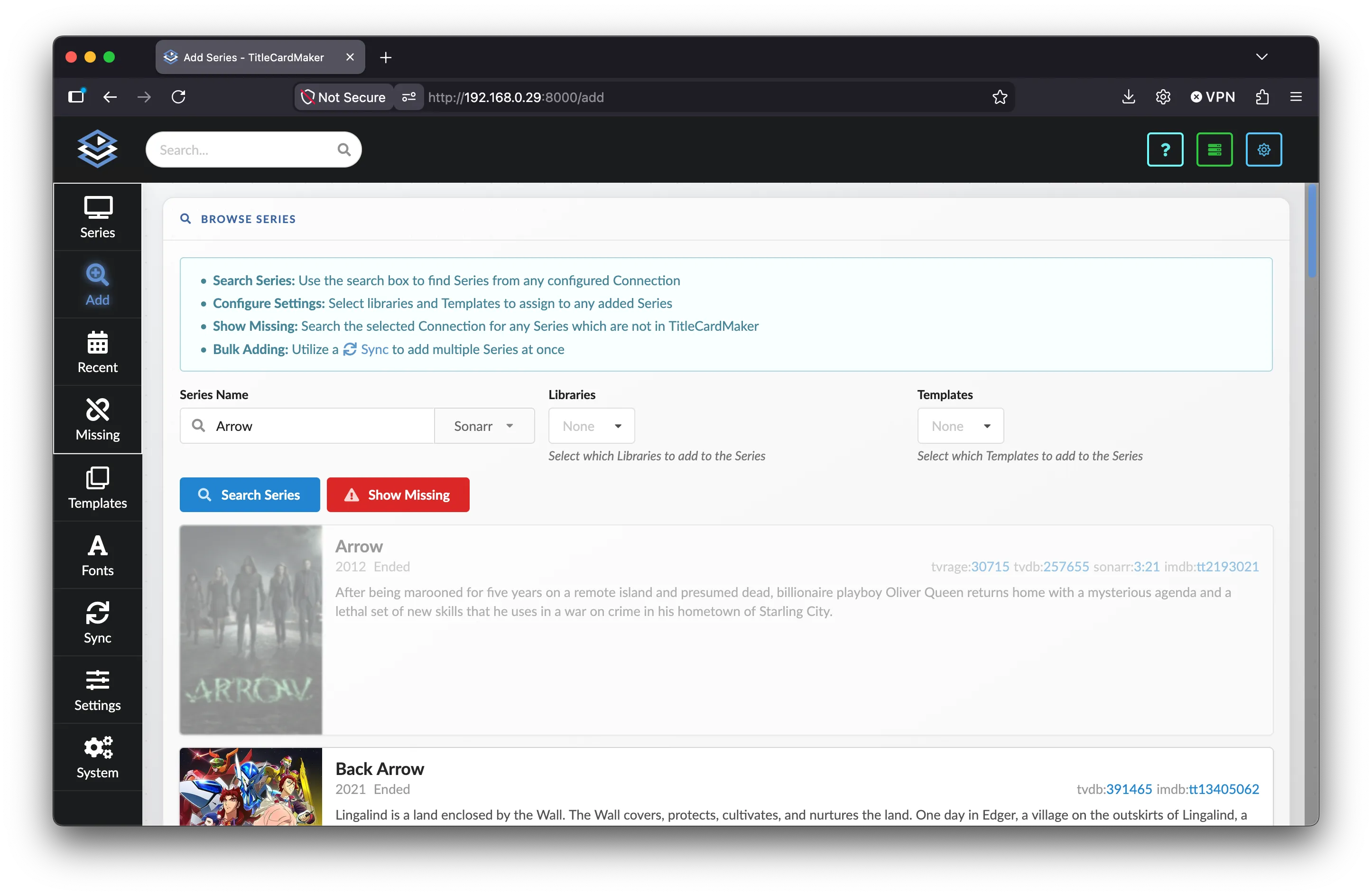
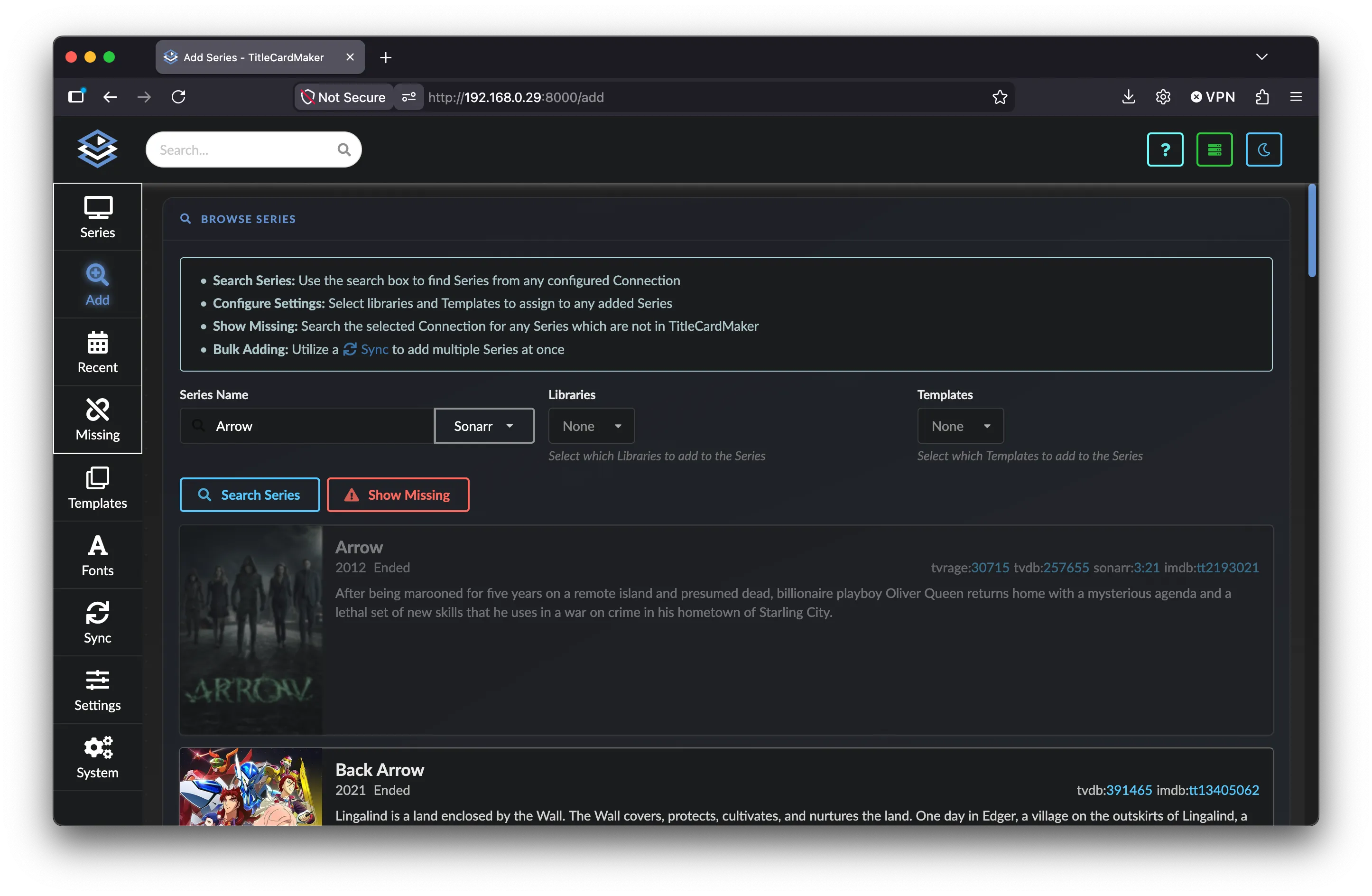
  • Adding Series Adding Series

    Adding Series


    Manually adding a Series or Blueprint.

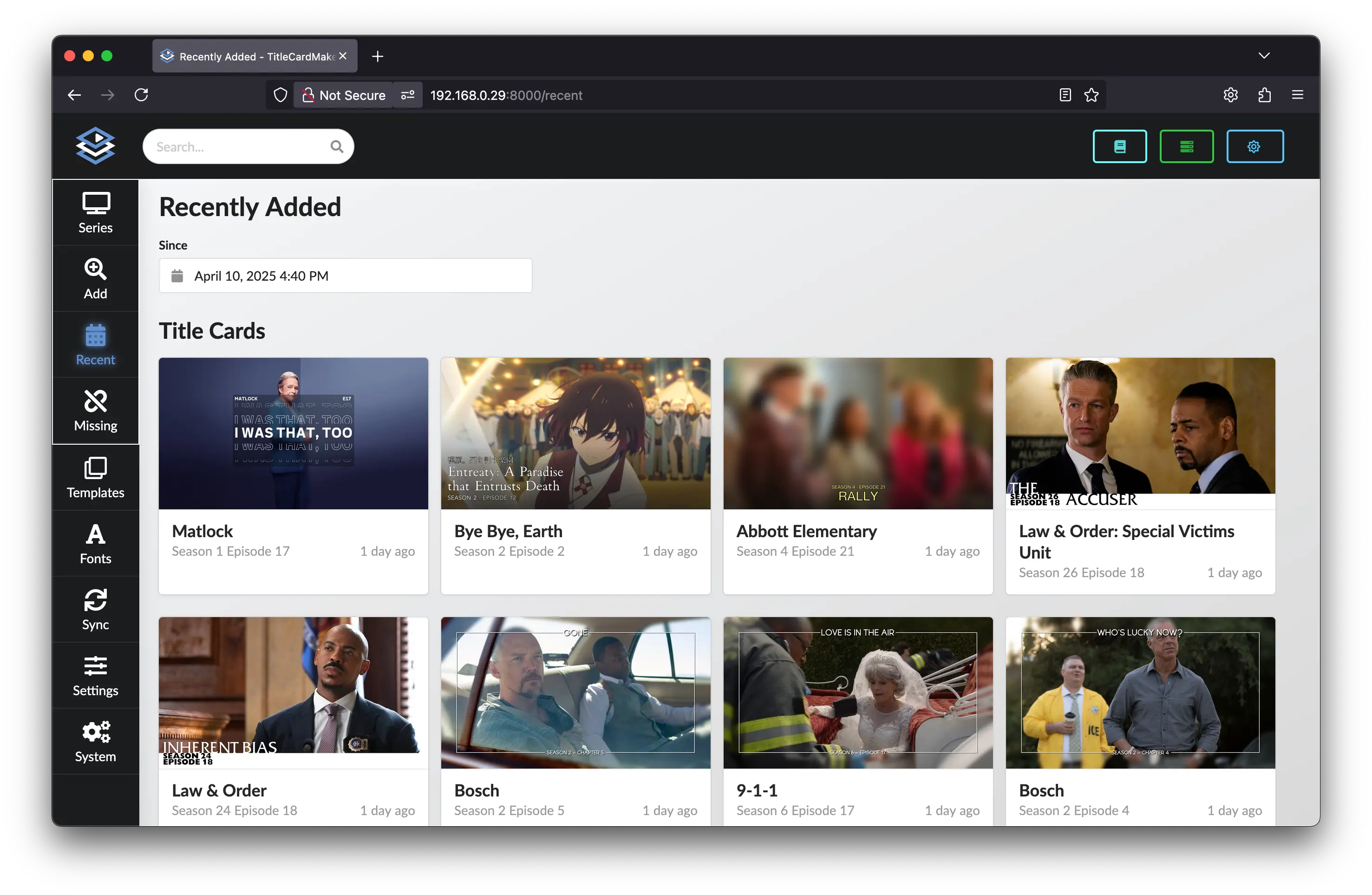
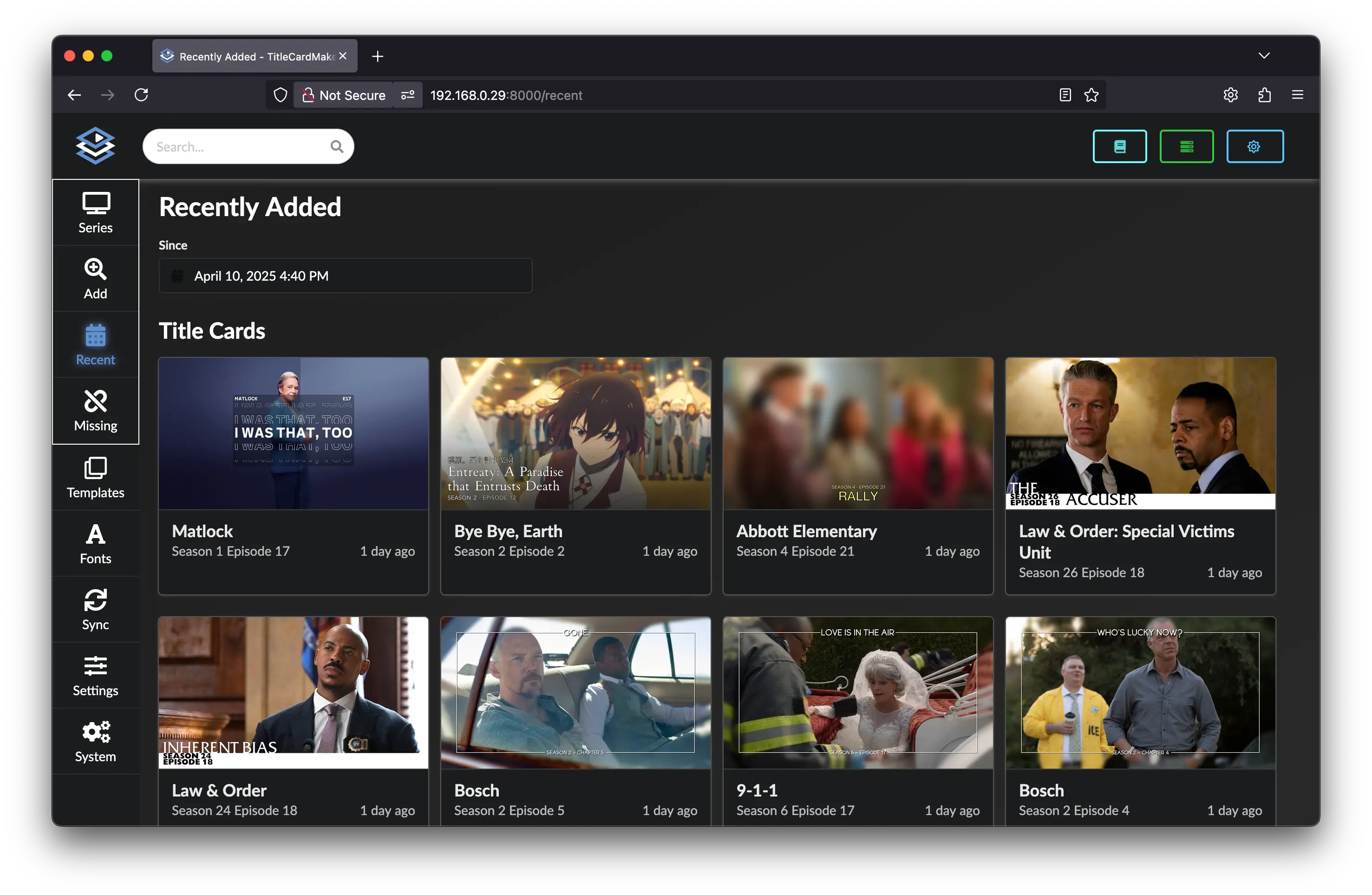
  • Recently Added Recently Added

    Recently Added


    Viewing recently created Title Cards and recently added Series.

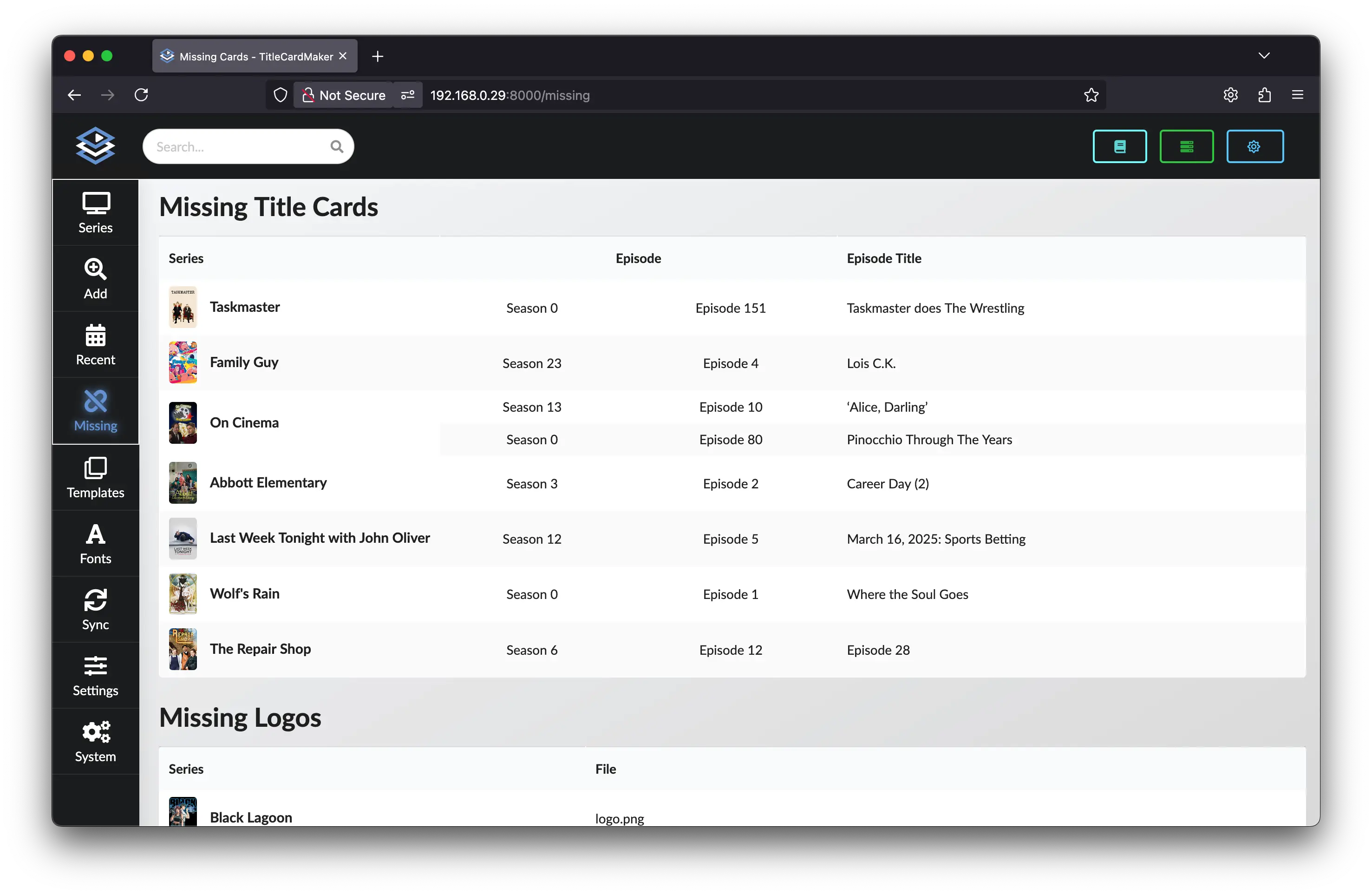
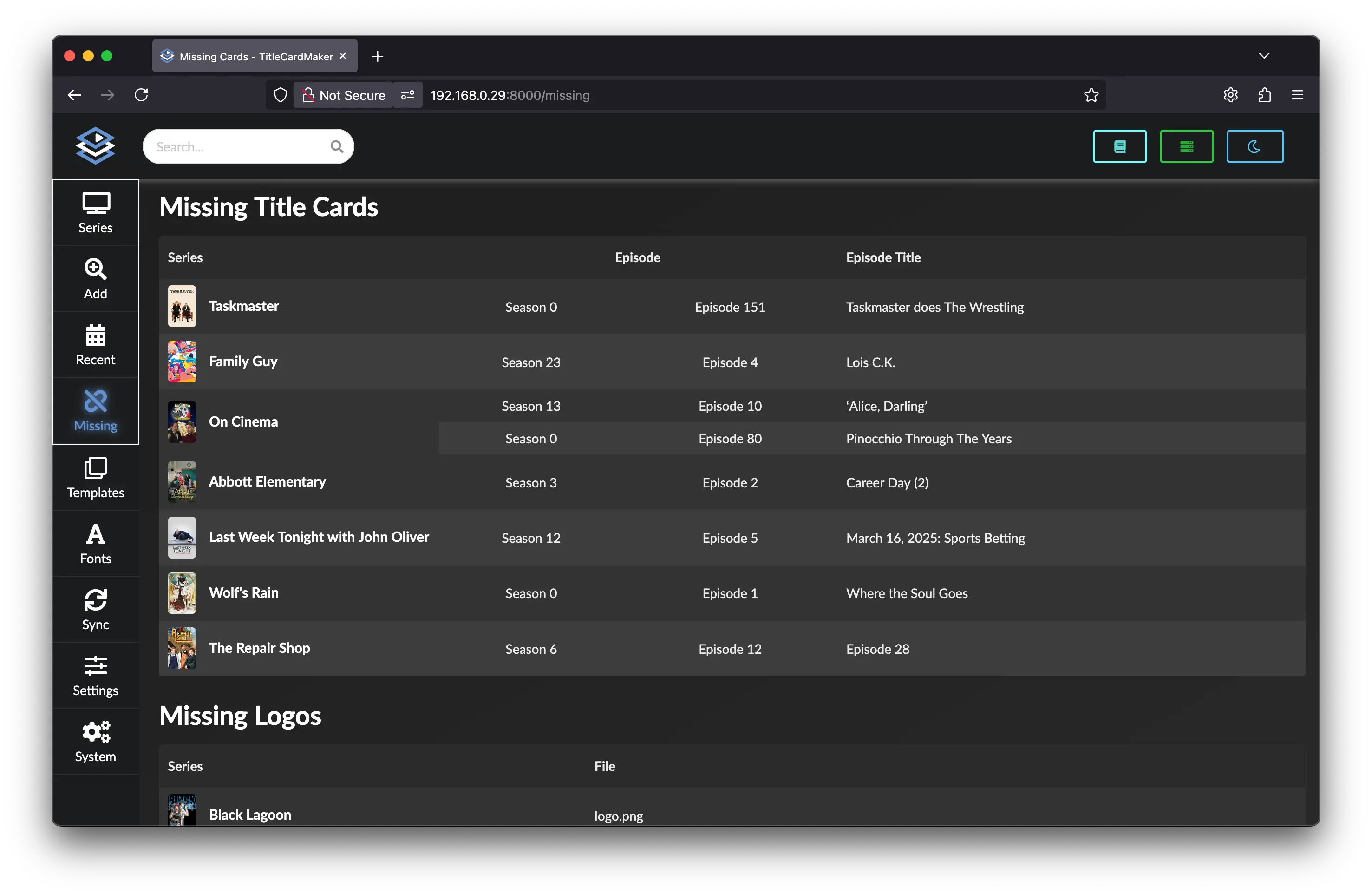
  • Missing Summary Missing Summary

    Missing Summary


    Summary of missing Title Cards, missing Logos, and unloaded Title Cards.

Design
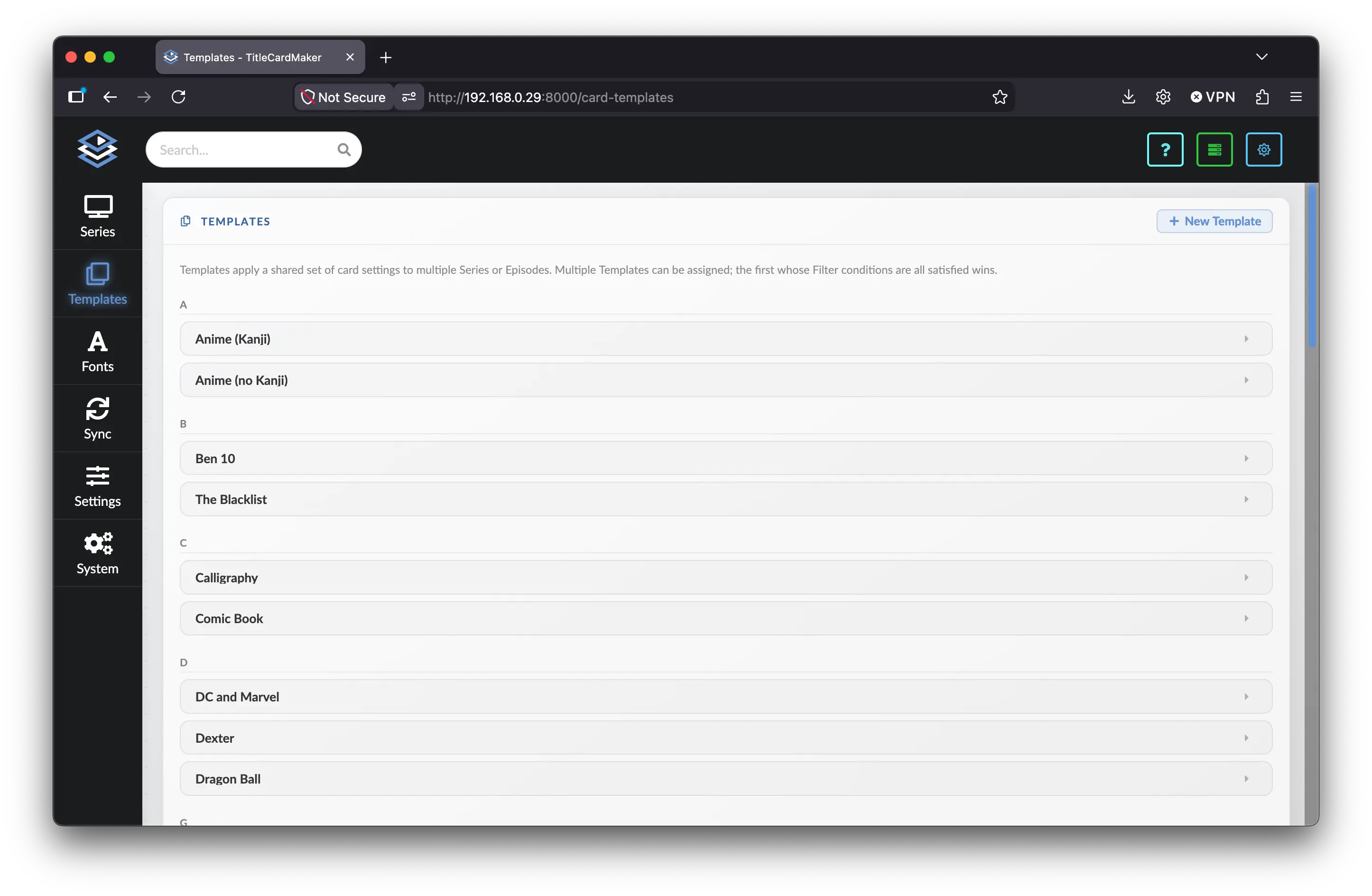
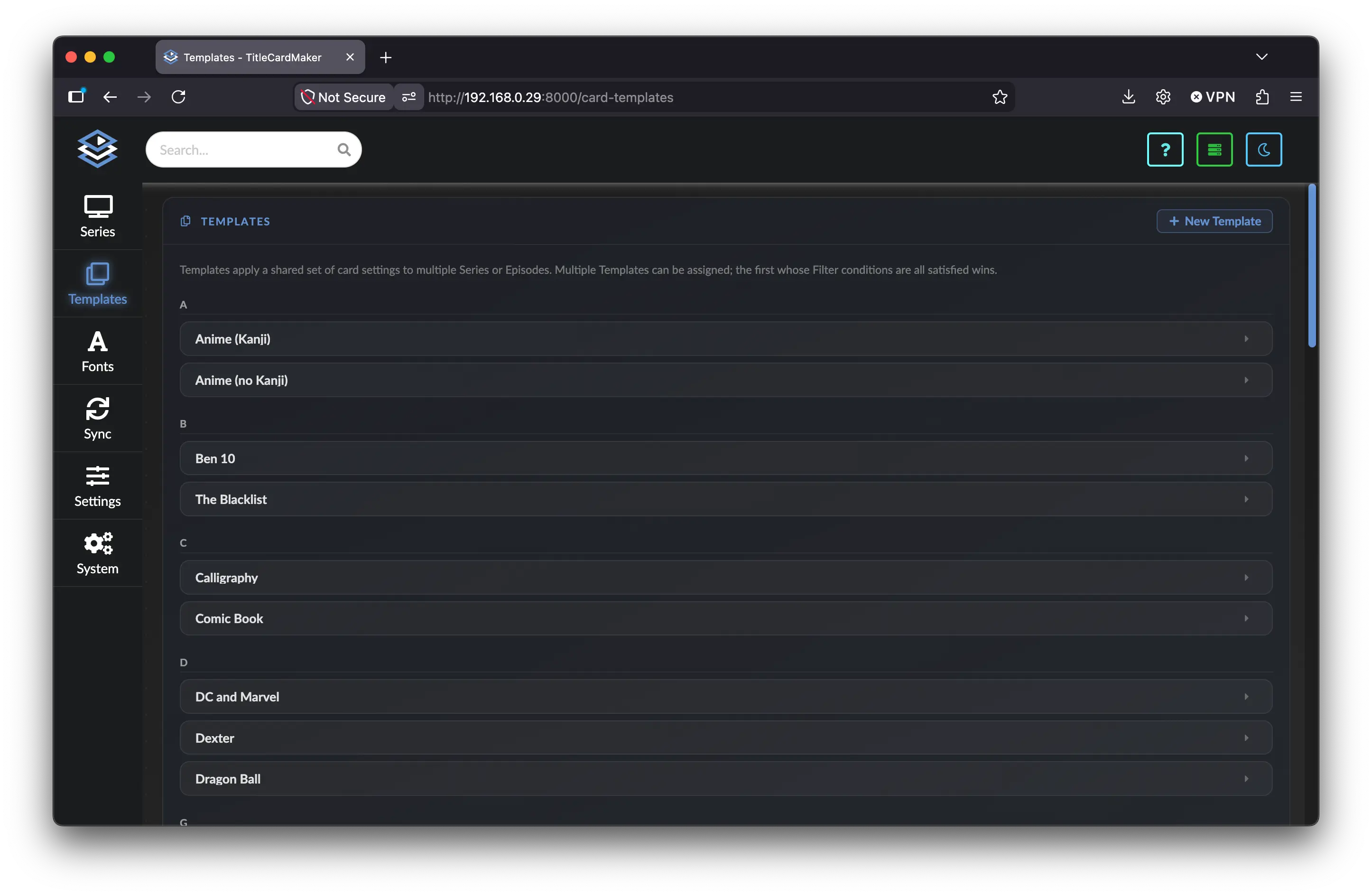
  • Templates Templates

    Templates


    Create, customize, and view Templates for bulk-editing settings.

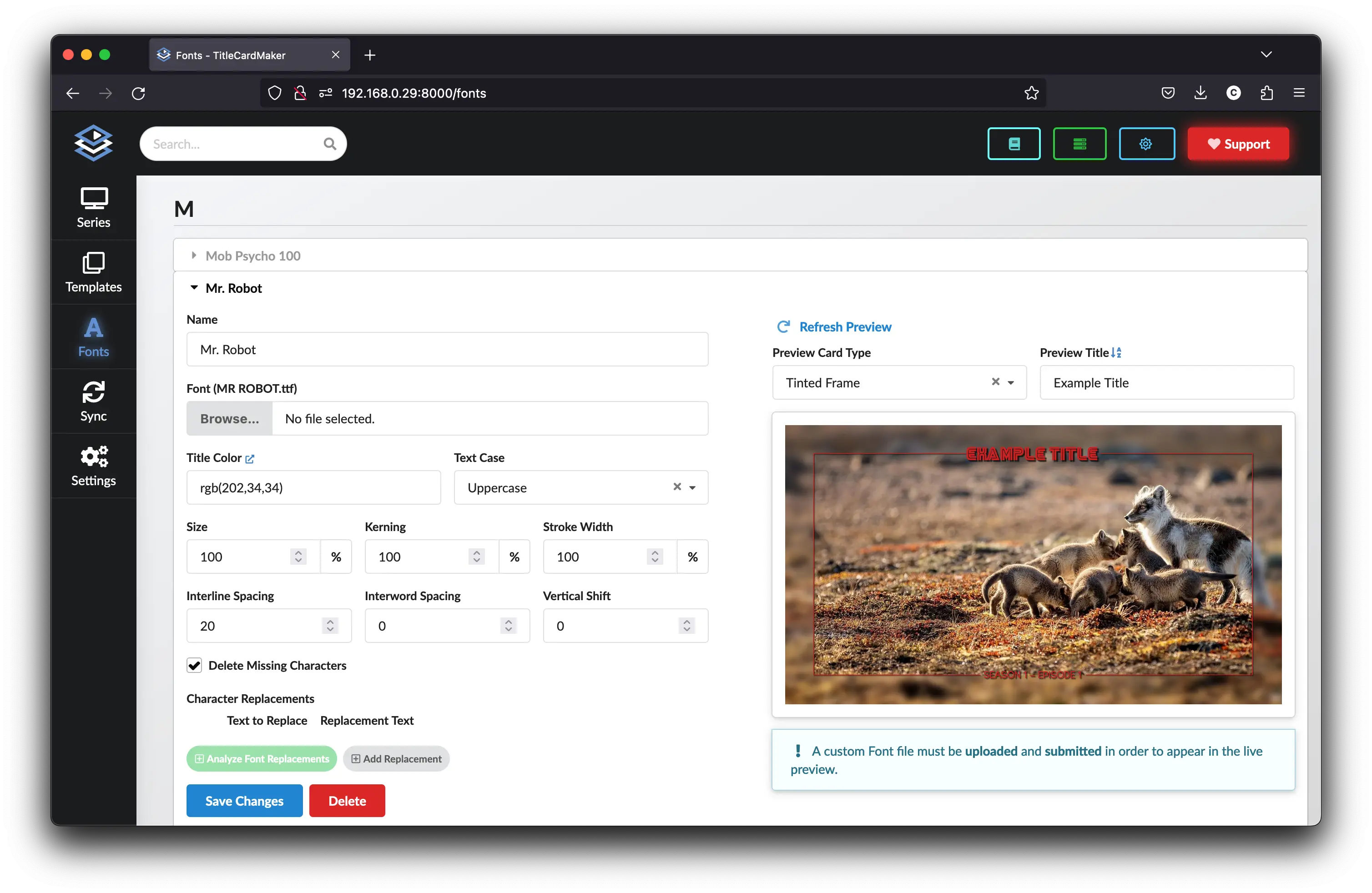
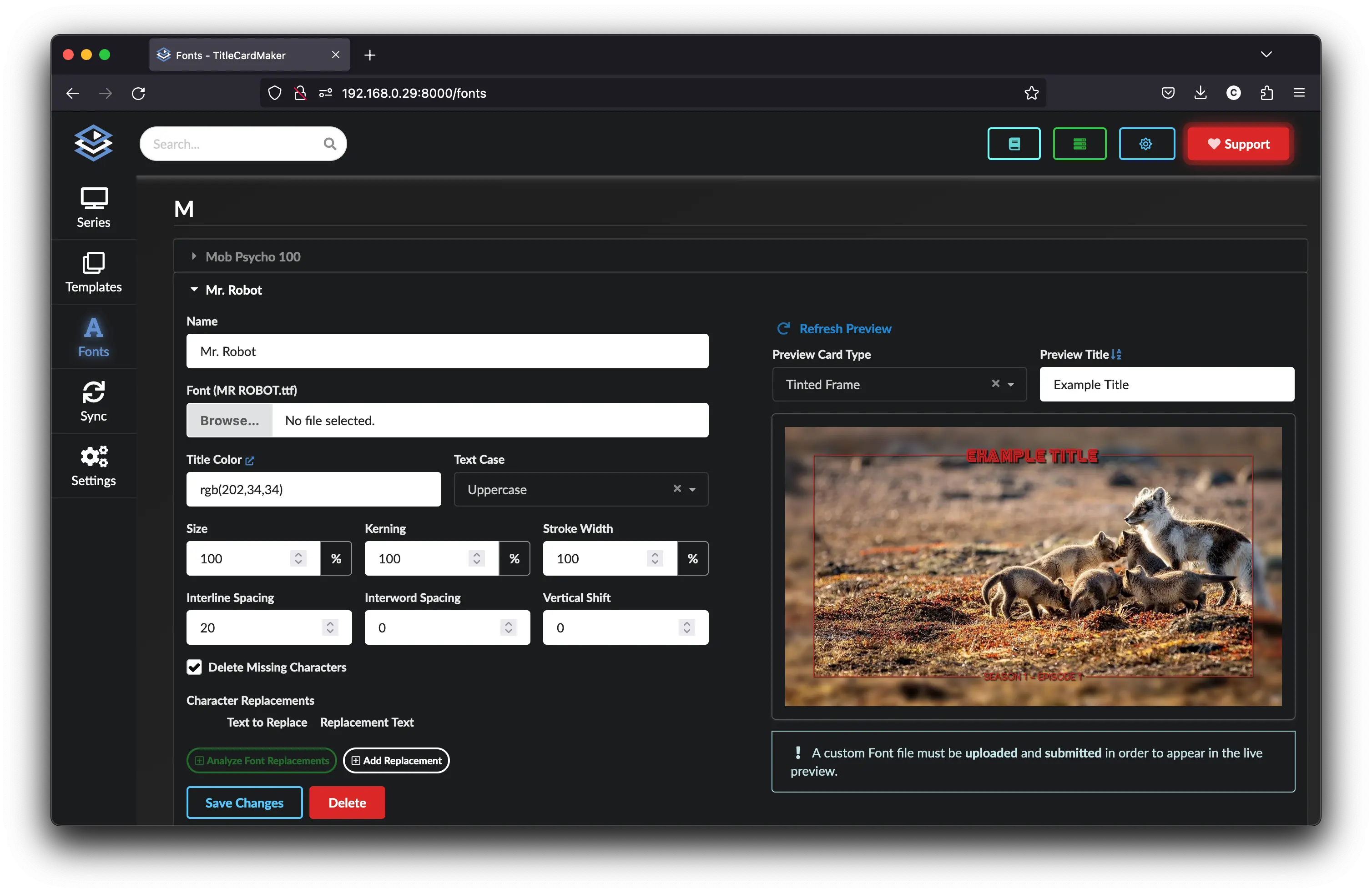
  • Fonts Fonts

    Fonts


    Create, customize, and view custom Fonts.

Automation

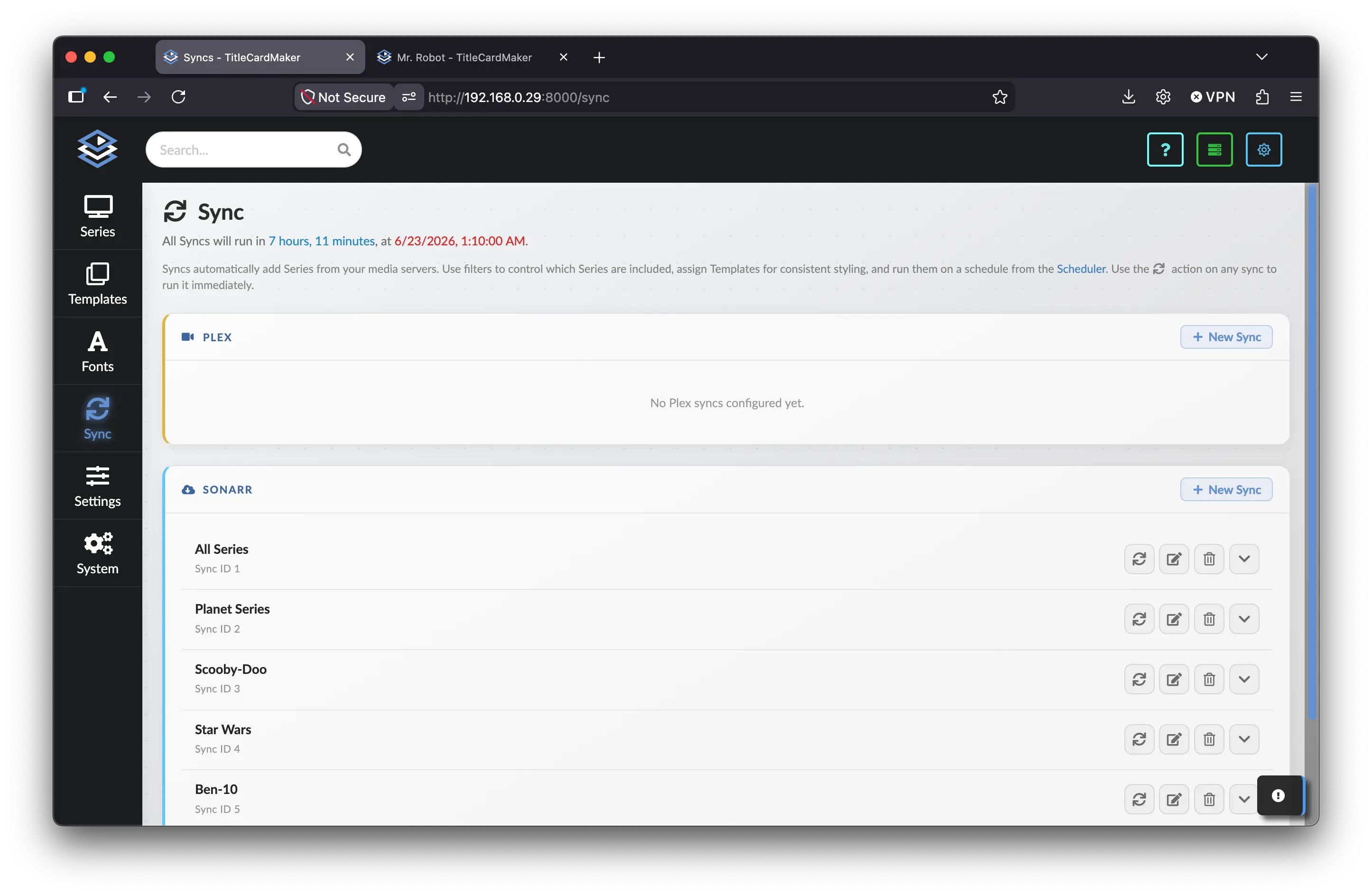
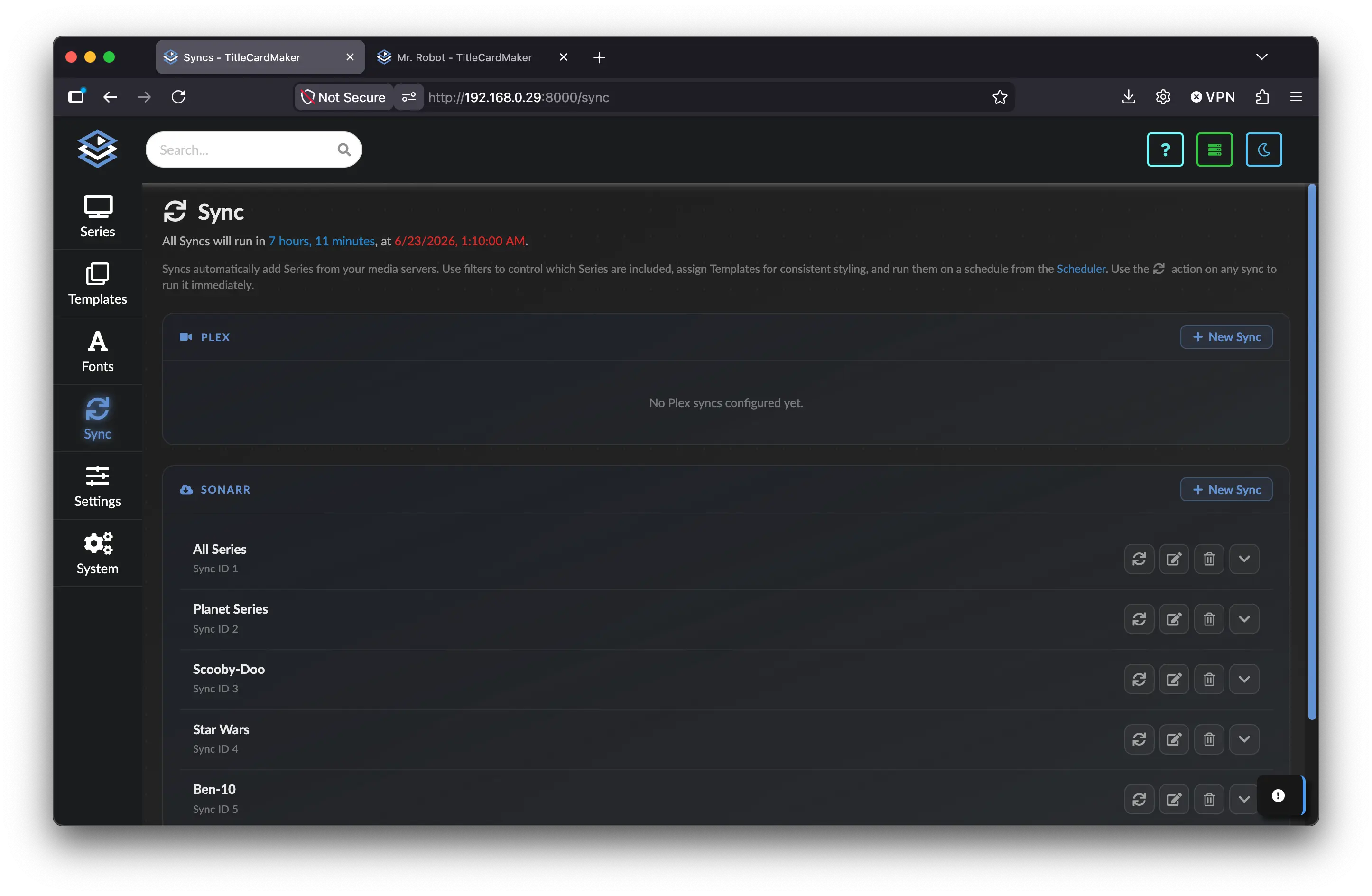
  • Sync Sync

    Sync


    Creating and editing Syncs to automatically add Series to TCM.

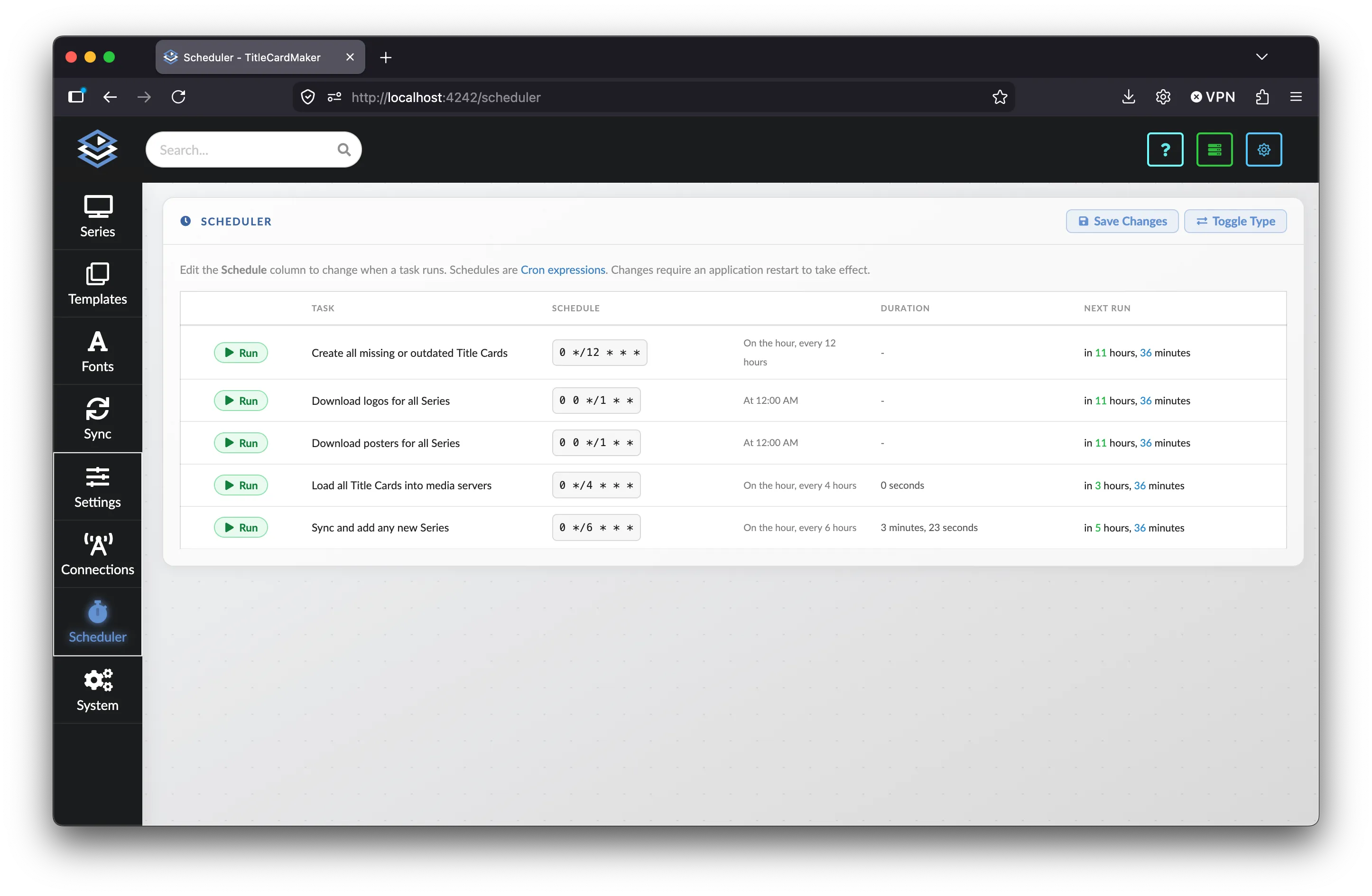
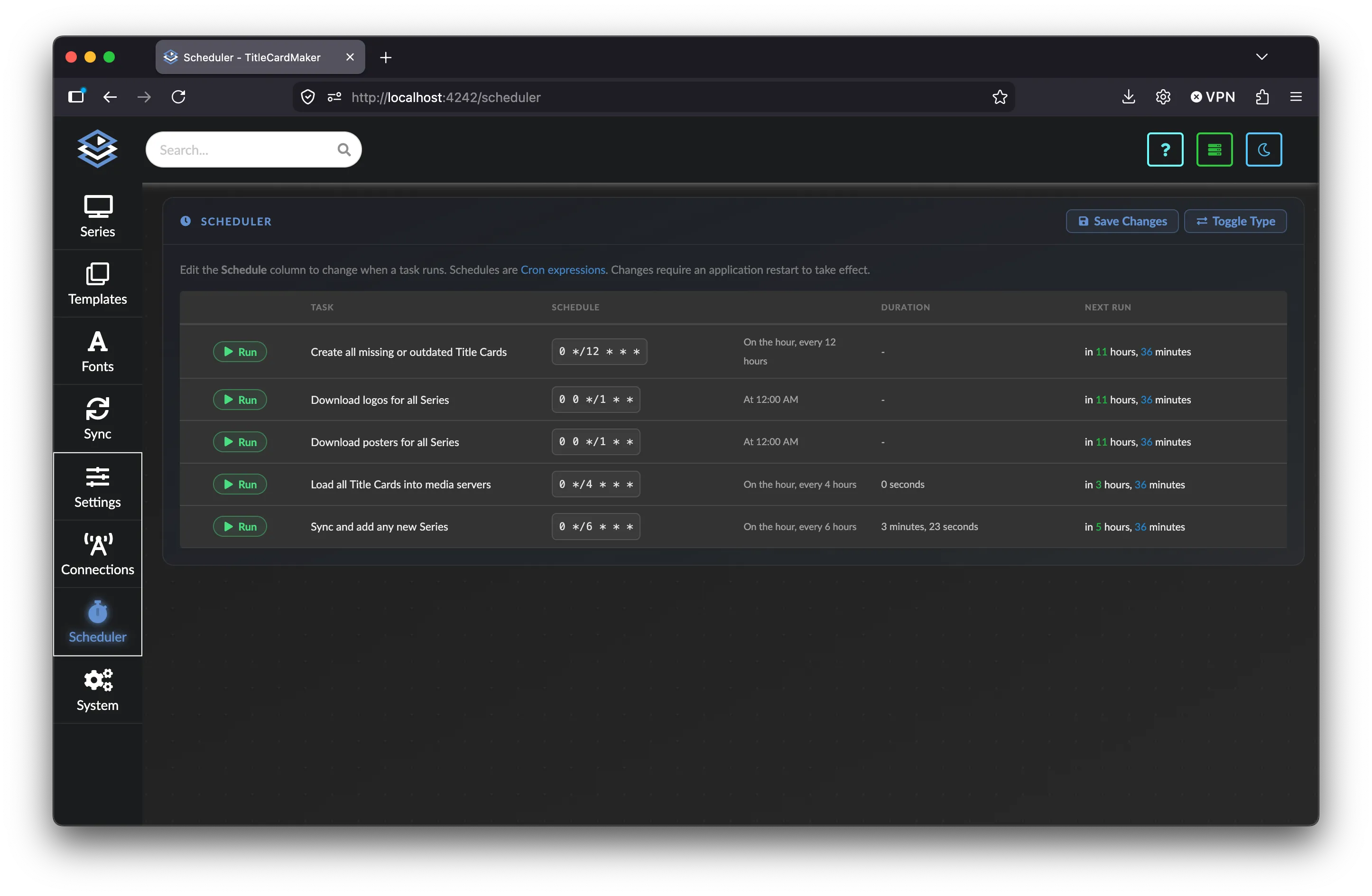
  • Scheduler Scheduler

    Scheduler


    The schedulable Tasks which automatically perform all major operations.

Configuration

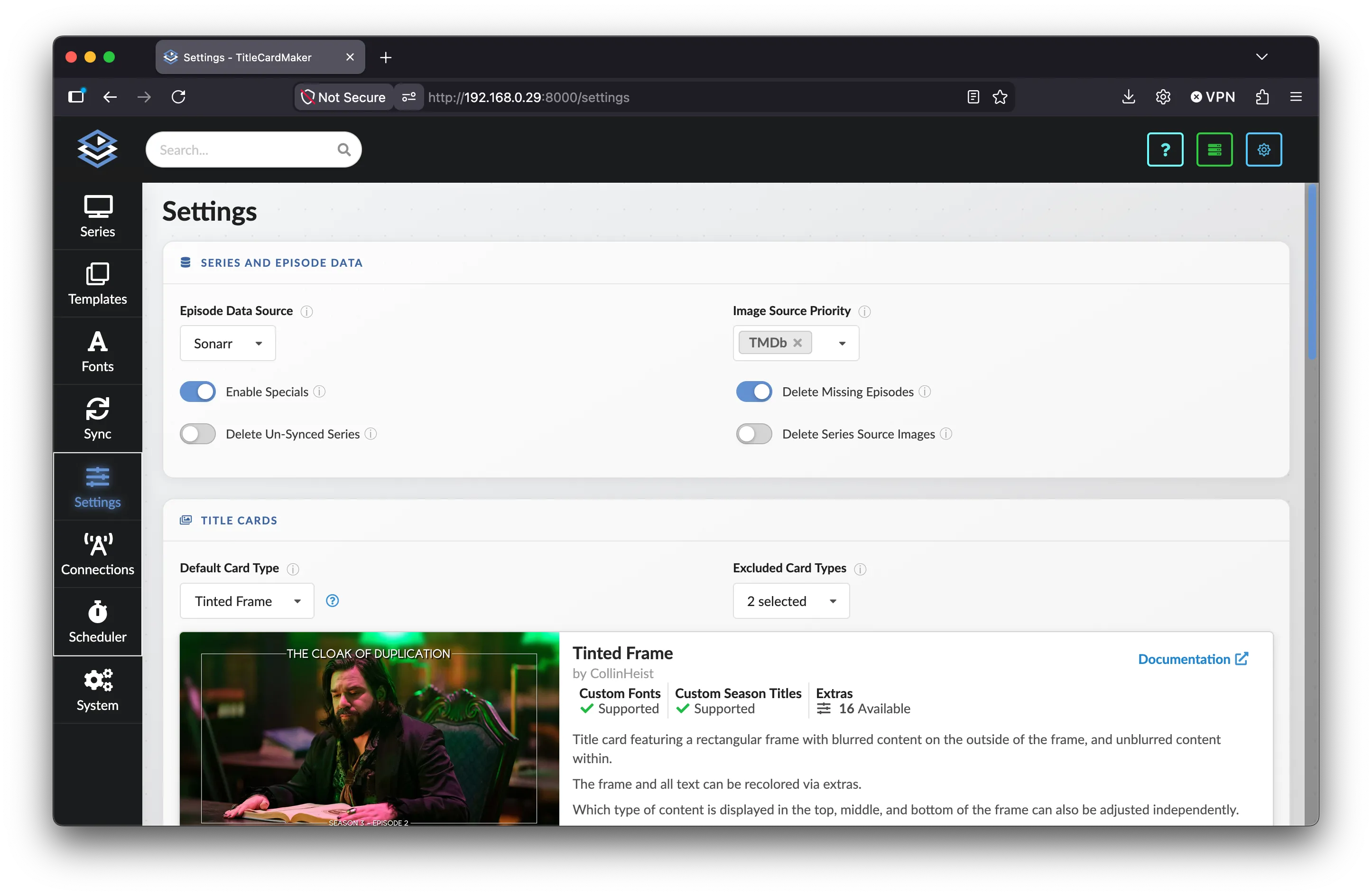
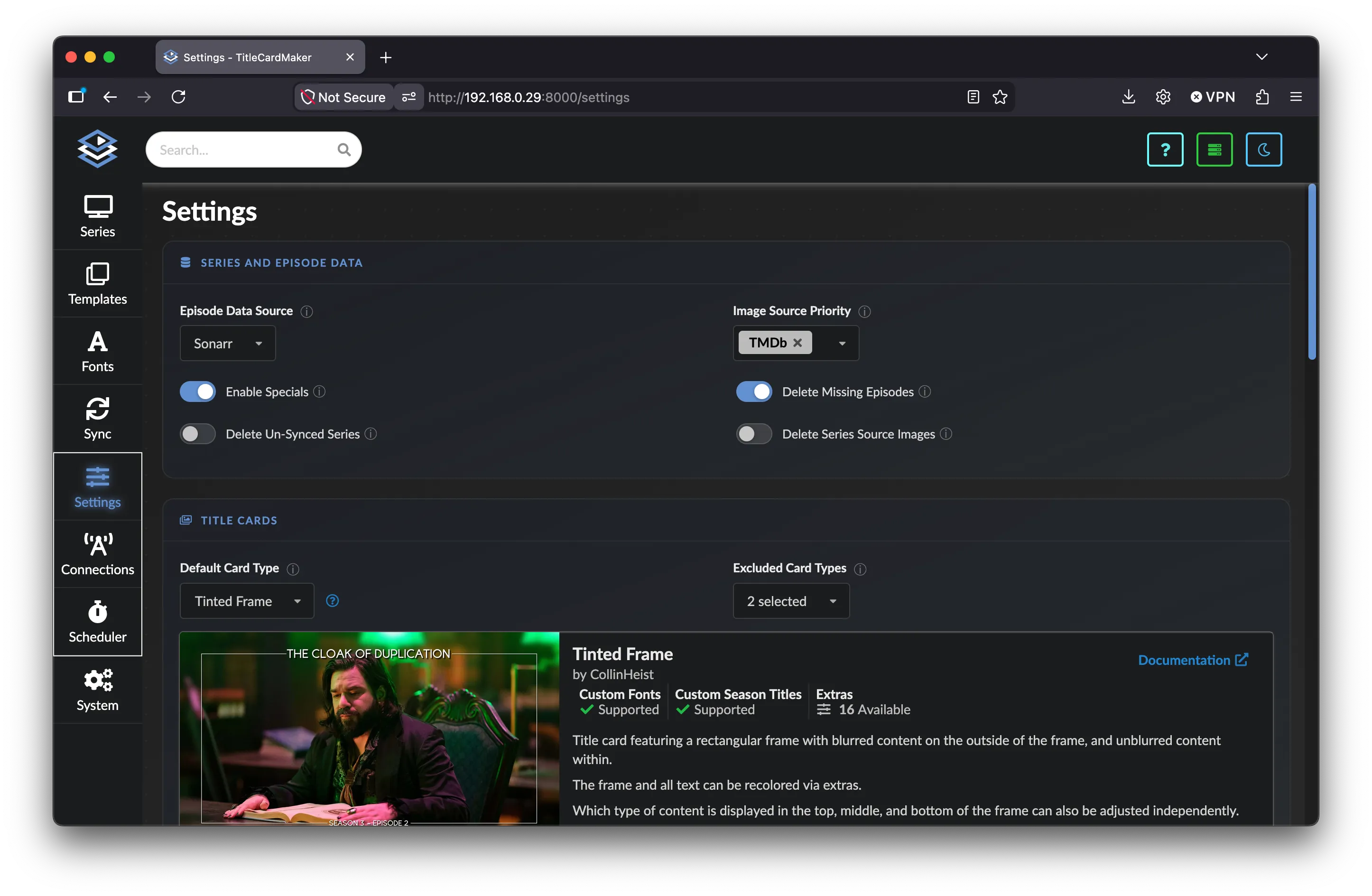
  • Settings Settings

    Settings


    In-depth descriptions of all global settings.

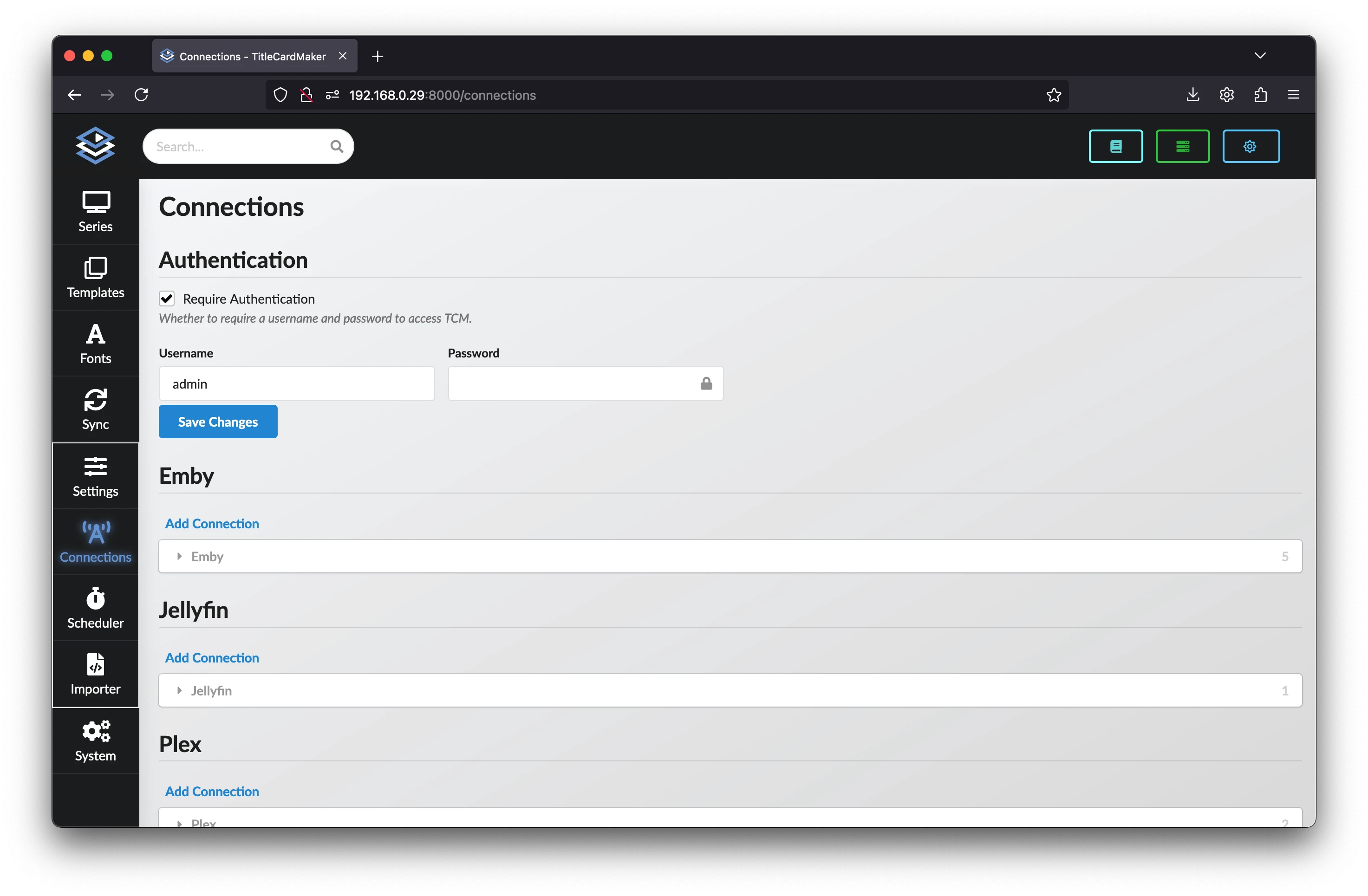
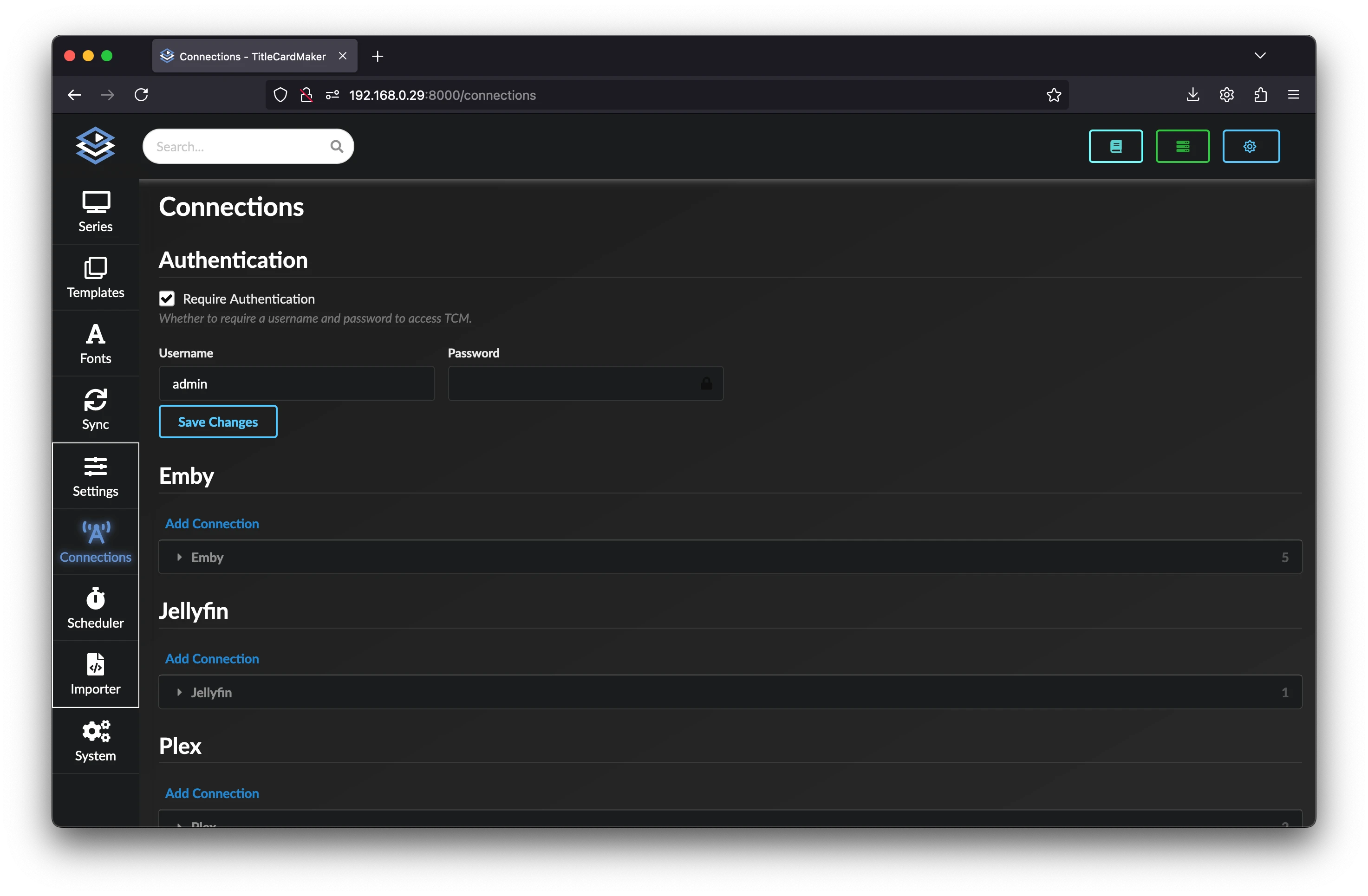
  • Connections Connections

    Connections


    Add connections to external services like Plex, Sonarr, Tautulli, or TMDb.

Monitoring

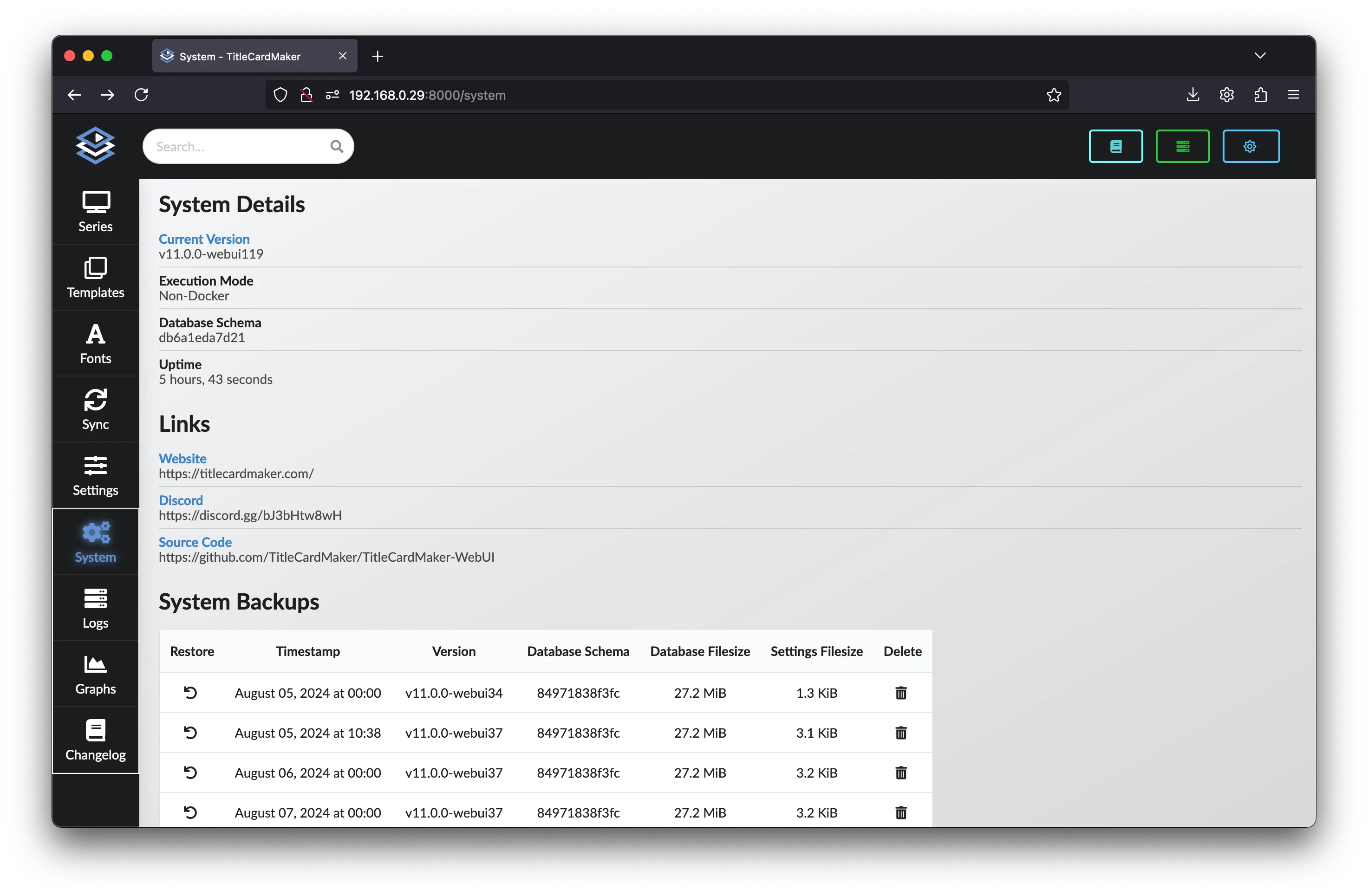
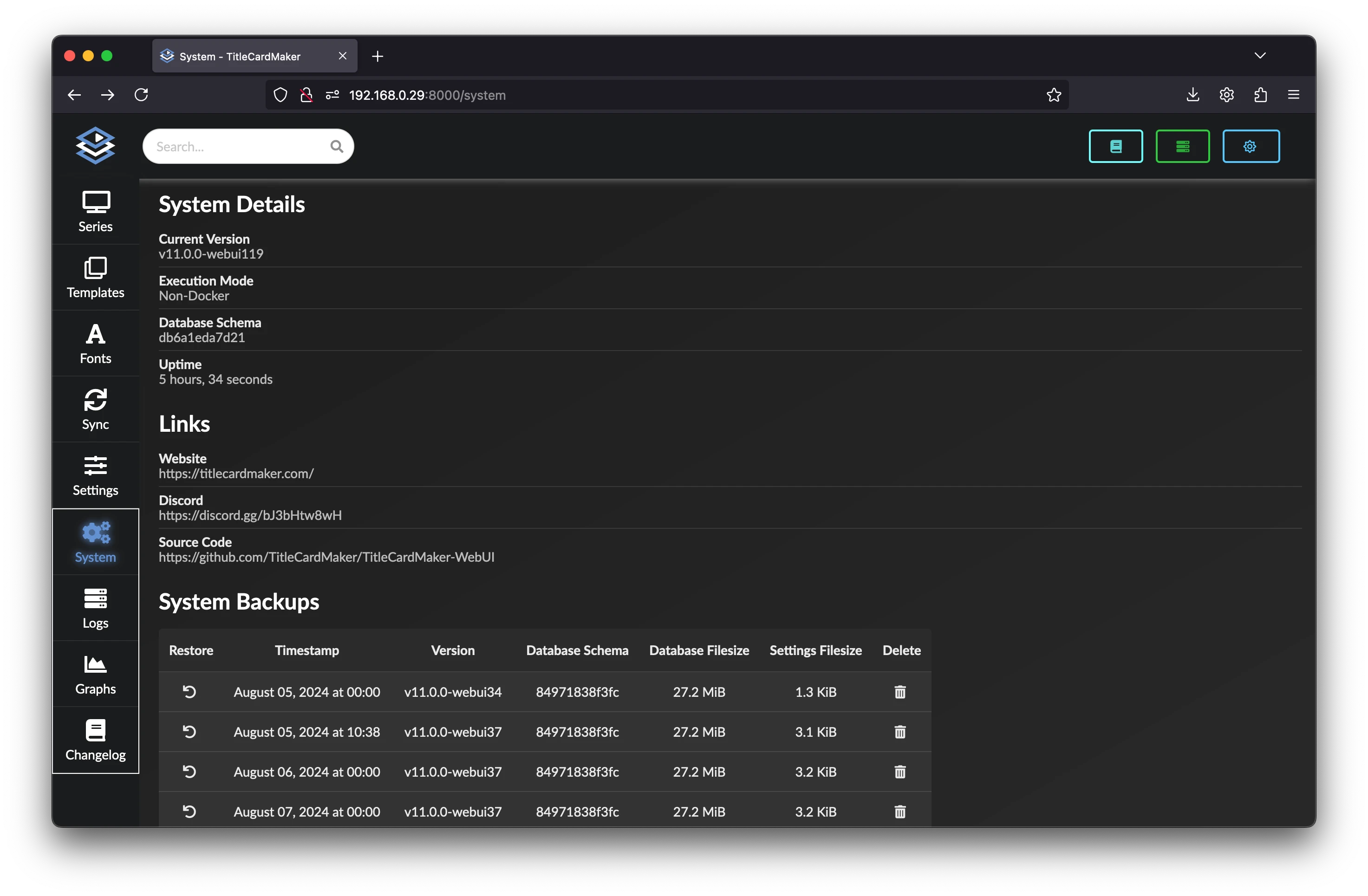
  • System Summary System Summary

    System Summary


    Viewing the system details.

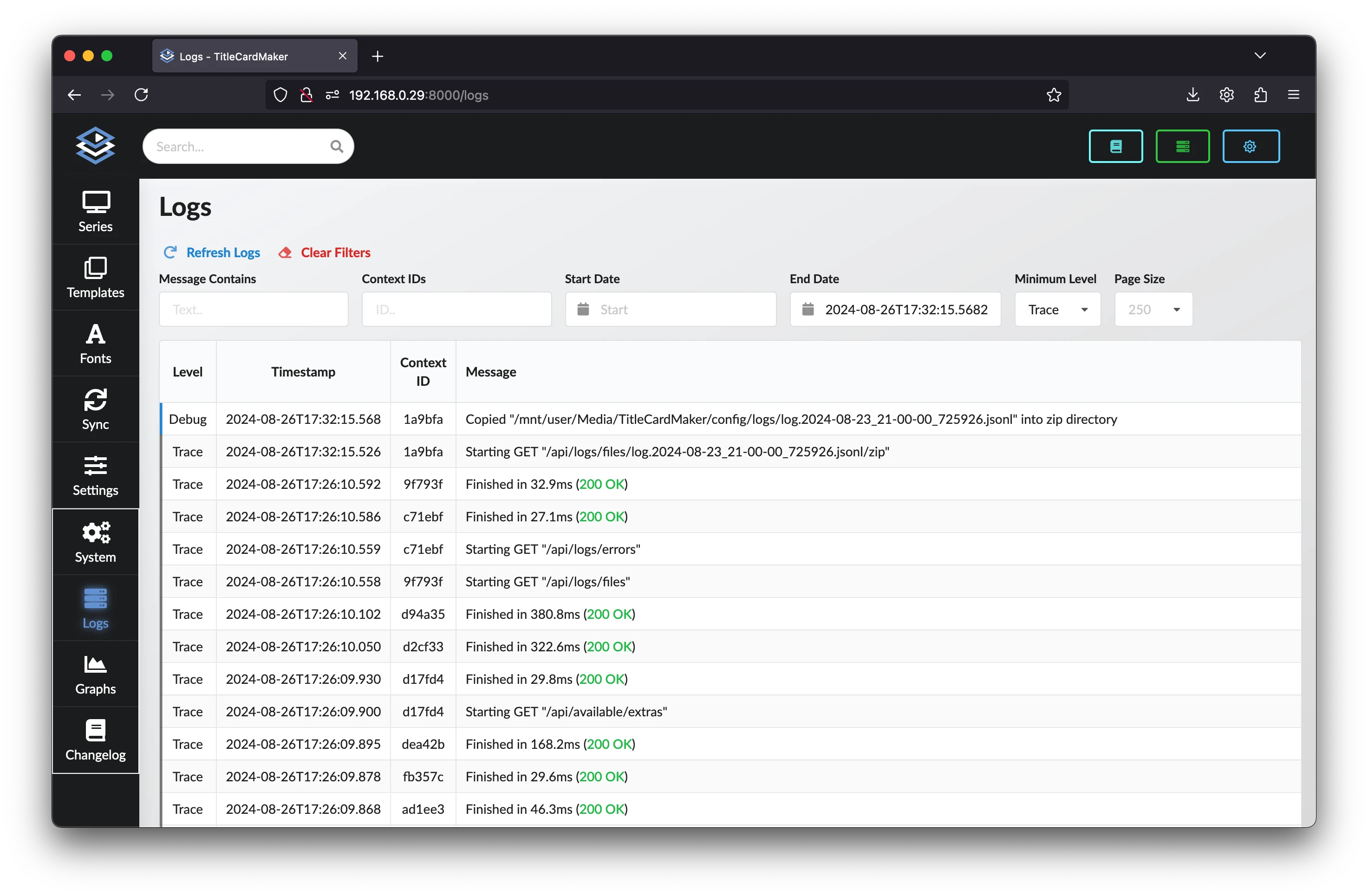
  • Logs Logs

    Logs


    Viewing and filtering logs within the UI.

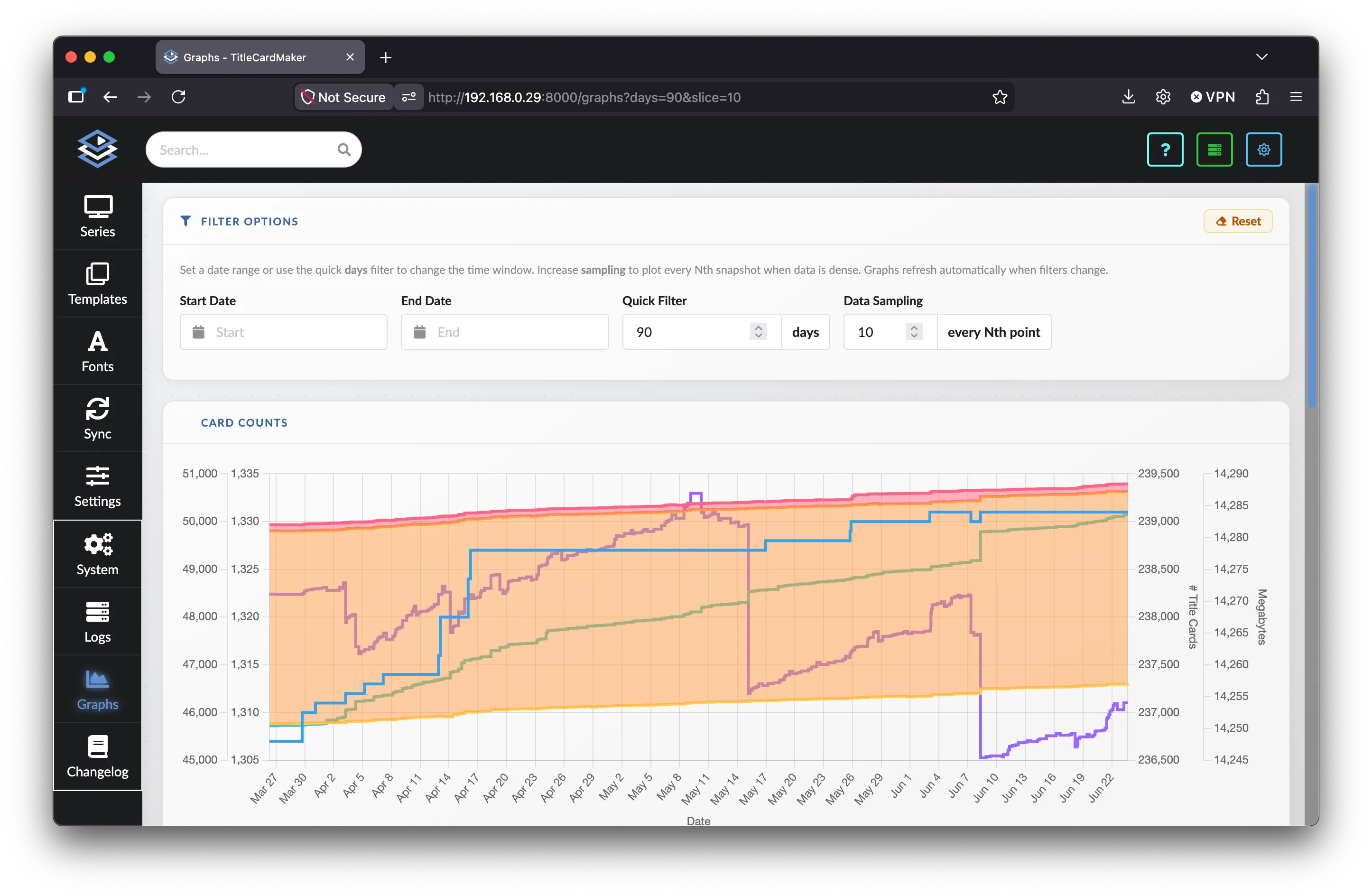
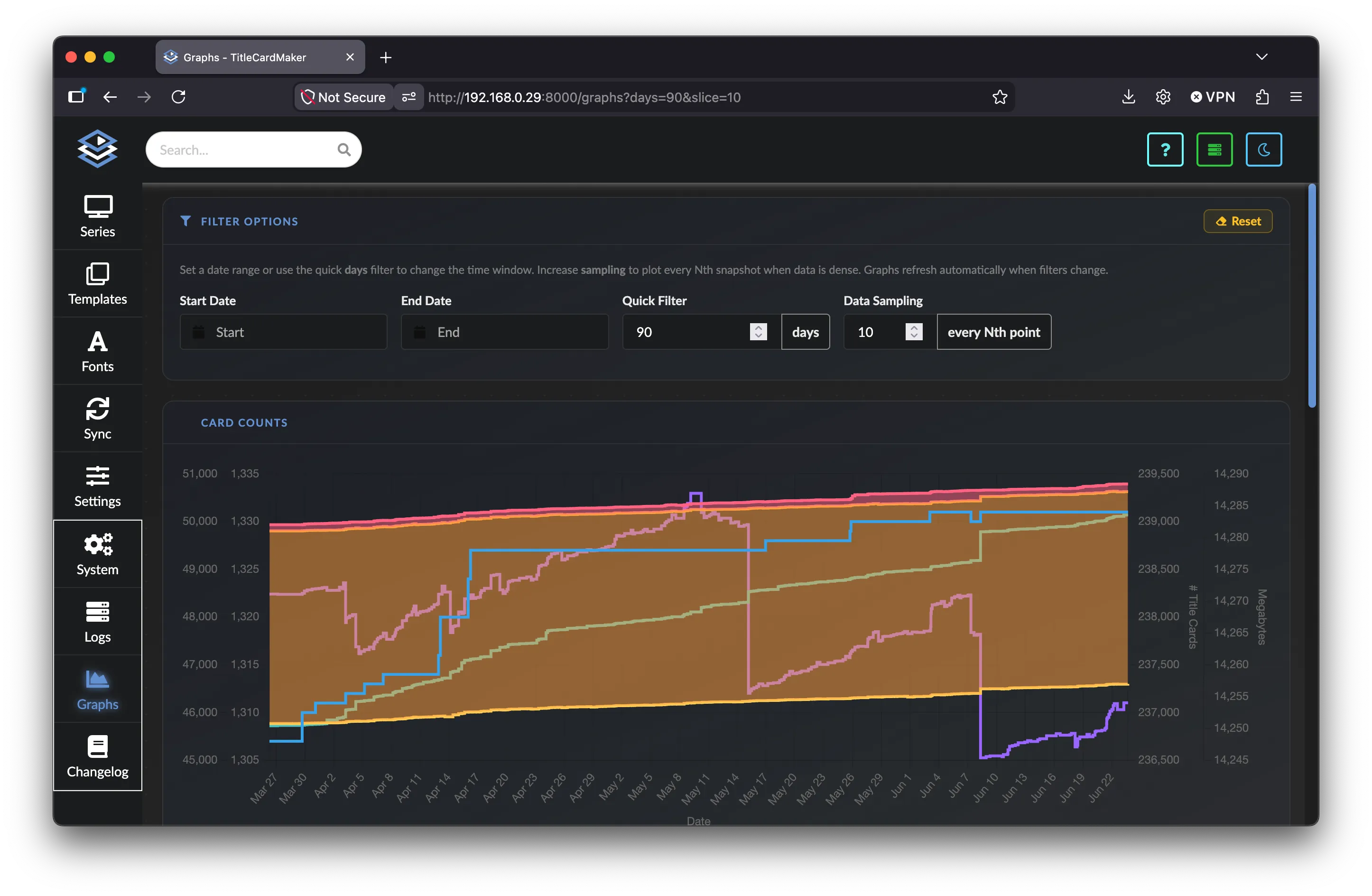
  • Graphs Graphs

    Graphs


    Visualizing database snapshots and scheduled task durations over time.

Other

  • Changelog


    Release notes and version history for TitleCardMaker.

  • Command Line Image Creation


    Create Title Cards and posters from the command line for testing, debugging, and one-off image generation.

Selecting a Branch / Tag

TitleCardMaker follows the typical design pattern of lots of software packages, separating changes which are "in development" and "finalized". As a result, you have the option of selecting between either of these branches (or tags) for your version of TCM.

Develop Branches / Tags

If using the develop version of TCM, expect to encounter bugs which may require frequently updating. If this sounds cumbersome, stick to the main branch.

Backwards Compatibility

If there are changes to the TCM database schema, these are often irreversible - meaning swapping from develop to main is not possible.

Docker

Tag Name Description Recommended For..
latest The most up-to-date (stable) release Most users1
main Same as latest It's recommended to use latest
develop The most feature-rich (unstable) release Those wanting to try the latest features
main-armv7 Same as latest, but for those on an ARMv7 architecture See latest
develop-armv7 Same as develop, but for those on an ARMv7 architecture See develop

Non-Docker

Branch Name Description Recommended For..
main The most up-to-date (stable) release Most users1
develop The most feature-rich (unstable) release Those wanting to try the latest features

Environment Variables

Specifying an Environment Variable

Add all environment variables under the environment section of your compose file, like so:

docker-compose.yml
name: titlecardmaker
services:
  tcm:
    # etc.
    environment:
      - TZ=America/Los_Angeles
      - TCM_CONSOLE_LOG_LEVEL=WARNING
    # etc.

Specify the environment variable with the -e commands in your Docker run command, like so:

-e TZ=America/Los_Angeles -e TCM_CONSOLE_LOG_LEVEL=WARNING

The easiest method is to create a file named .env in the main TCM installation directory (where you type your python command) - like so:

.env
TZ=America/Los_Angeles
TCM_CONSOLE_LOG_LEVEL=WARNING

All TitleCardMaker environment variables use the TCM_ prefix. Variables are read from the process environment and, when present, from a .env file in the application root.

See the Environment Variables reference for every available variable, defaults, and constraints.


  1. Unless you've encountered a bug which you personally require and is only available on develop