Configuring Connections
TitleCardMaker can communicate directly with Emby, Jellyfin, Plex, Sonarr, Tautulli, TMDb, and TVDb to automate all aspects of Card creation. Although not 'required' to run TCM, enabling whichever Connections that are applicable to your setup will vastly improve TCM's operation.
Recommended Setup
For a good first run, enable at least:
- One media server — Plex, Jellyfin, or Emby (so TCM can Sync Series and load Cards back into your library)
- TMDb — strongly recommended for Source Images, logos, and posters
All Connection information should be entered on the Connections page (the
/connections URL), which can be found by clicking Settings, and then
Connections from the sidebar within the UI.
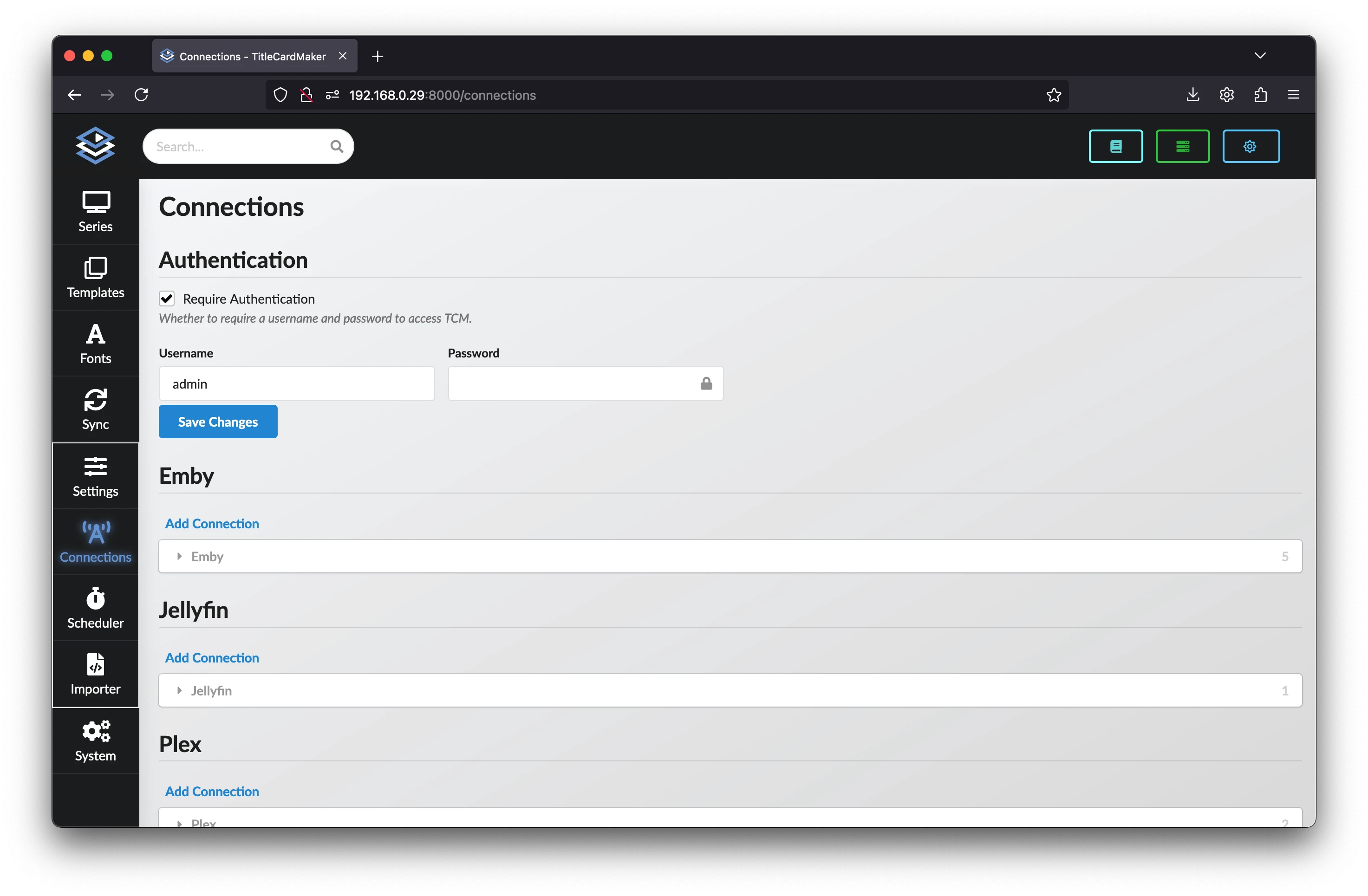
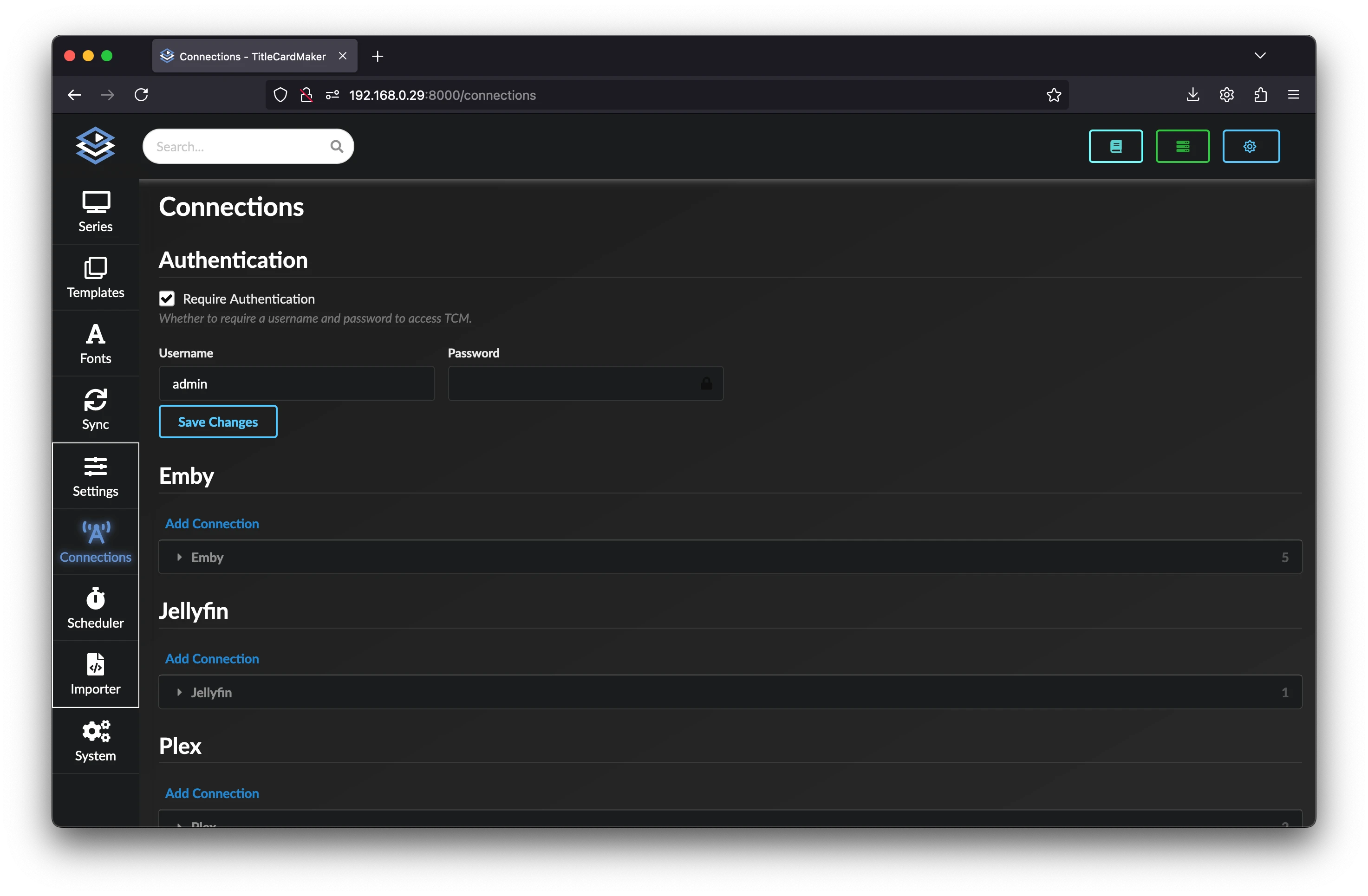
The following pages contain instructions for setting up each type of Connection.
Using Multiple Media Servers
Using multiple Media Servers together is possible, using watch-specific styles will require enabling the global multi-library filename setting in order to properly integrate. Carefully read the in-UI help text and the linked documentation before enabling this.