Rescheduling Tasks
TitleCardMaker runs all core tasks on schedulable intervals using cron expressions. The default schedules are typically sufficient for most use-cases, but TCM allows these to be adjusted.
For this part of the tutorial, we'll adjust how often all Syncs are run.
-
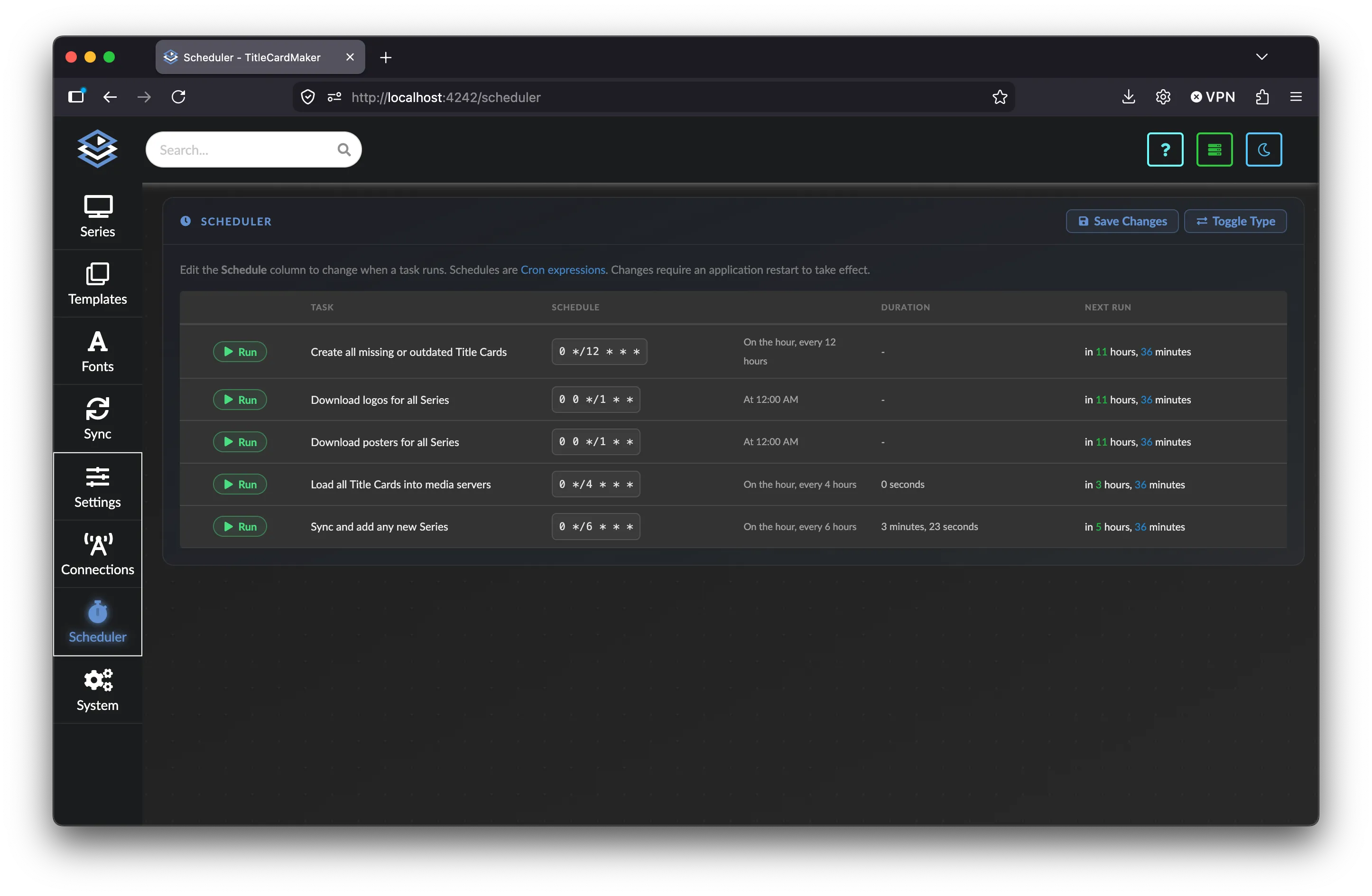
Navigate to the Scheduler page by clicking Settings, then
Schedulerfrom the side navigation bar.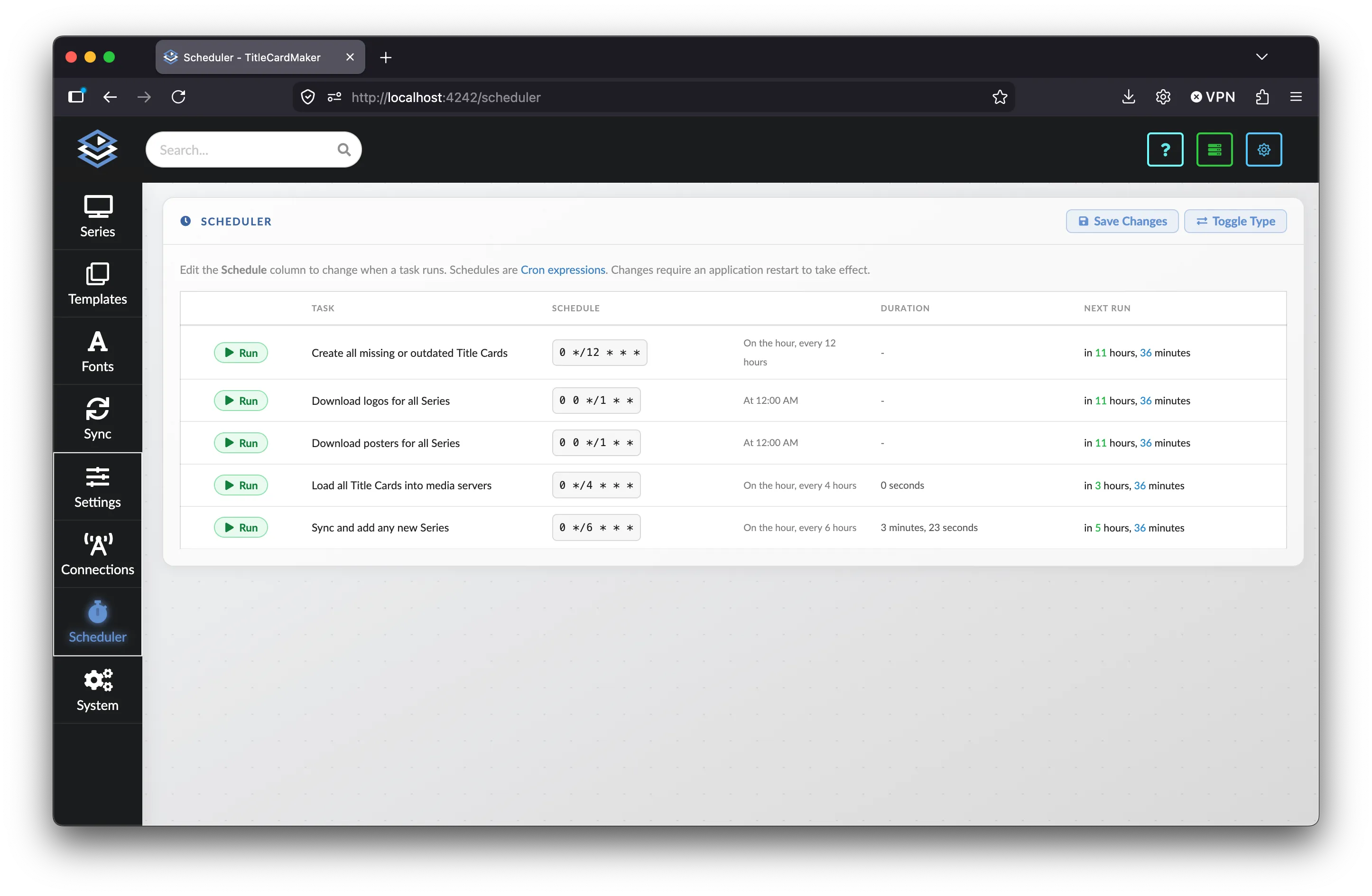
-
Find the task description that reads "Sync and add any new Series".
-
In the "Schedule" column, replace the existing cron expression with
0 */4 * * *(every 4 hours, on the hour).The next column shows a live human-readable description of the expression so you can confirm it matches what you intended.
Cron help
crontab.guru is linked on the Scheduler page and is a helpful resource for building expressions.
-
Click the button.
-
Restart TitleCardMaker if you want these changes to take effect. For the purposes of Getting Started this is not strictly necessary, but is required for any "real" changes.
Success
You have now successfully changed the schedule for a Task within TCM. This exact procedure can be followed to change any Task schedule. See the User Guide for details on each Task and Basic vs Advanced mode.